Right ventricular outflow tract (RVOT) flow spectral (PW, CW) doppler
Learn how to perform this examination using the MyEchocardiography simulator.
What about a little bit of theory before beginning? →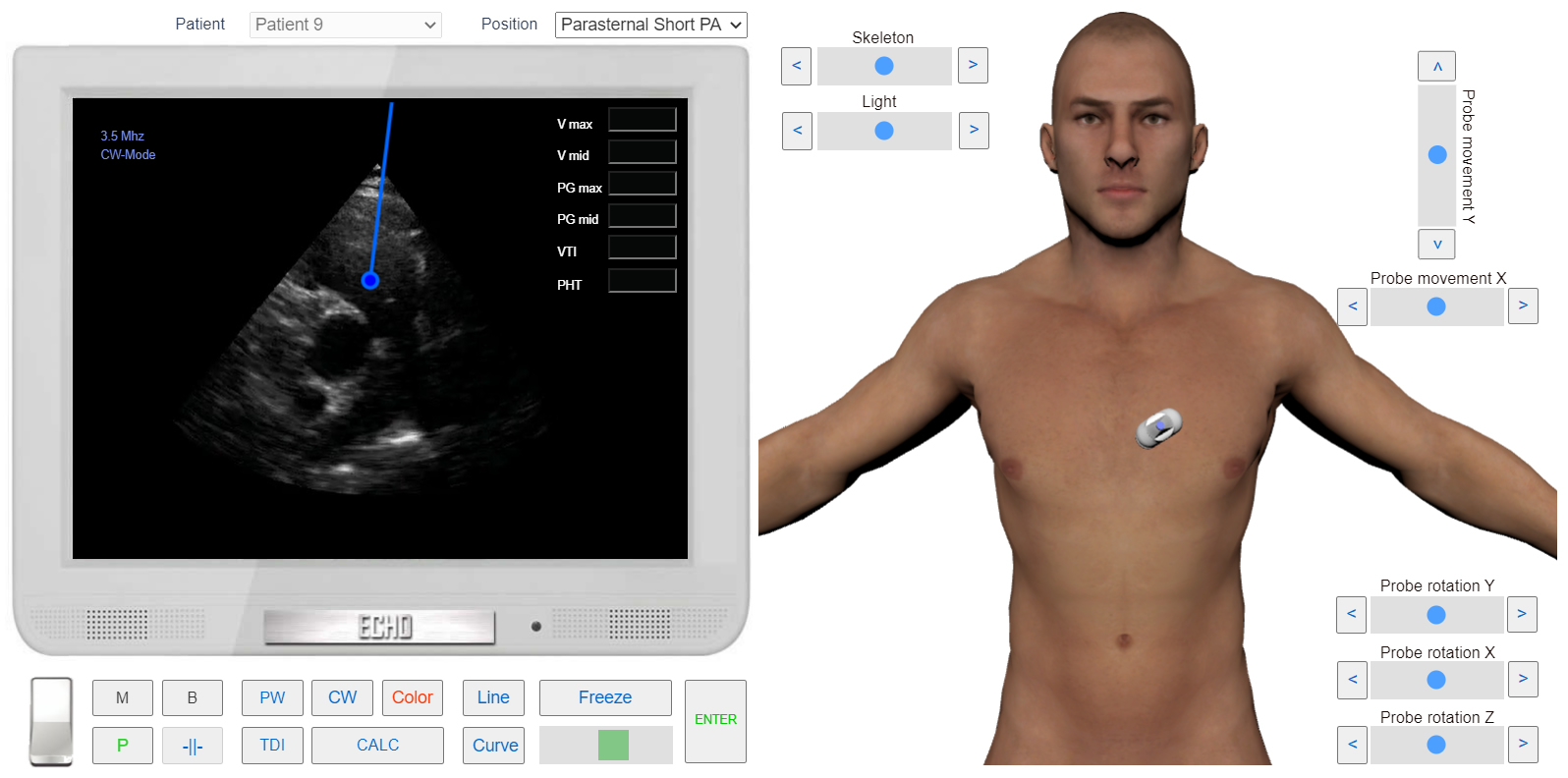 Click image to enlarge
Learn how to perform this examination using the MyEchocardiography simulator.
What about a little bit of theory before beginning? →Click image to enlargePRACTICE IN THE SIMULATOR
 Click image to enlarge