MyEchocardiographyStart simulation

PRACTICE IN THE SIMULATOR

How to perform this examination

  1. Run the Echocardiography Online Simulator
  2. Choose "Apical 5 Chamber" or "Parasternal Long" or "Suprasternal Long" view from the List <<Positions>> or find the same position with 3D Transducer
  3. Click the button <<PW>> to move to Pulse Wave Spectral Doppler (PW) or <<CW>> to move to Continuous Wave Spectral Doppler (CW)
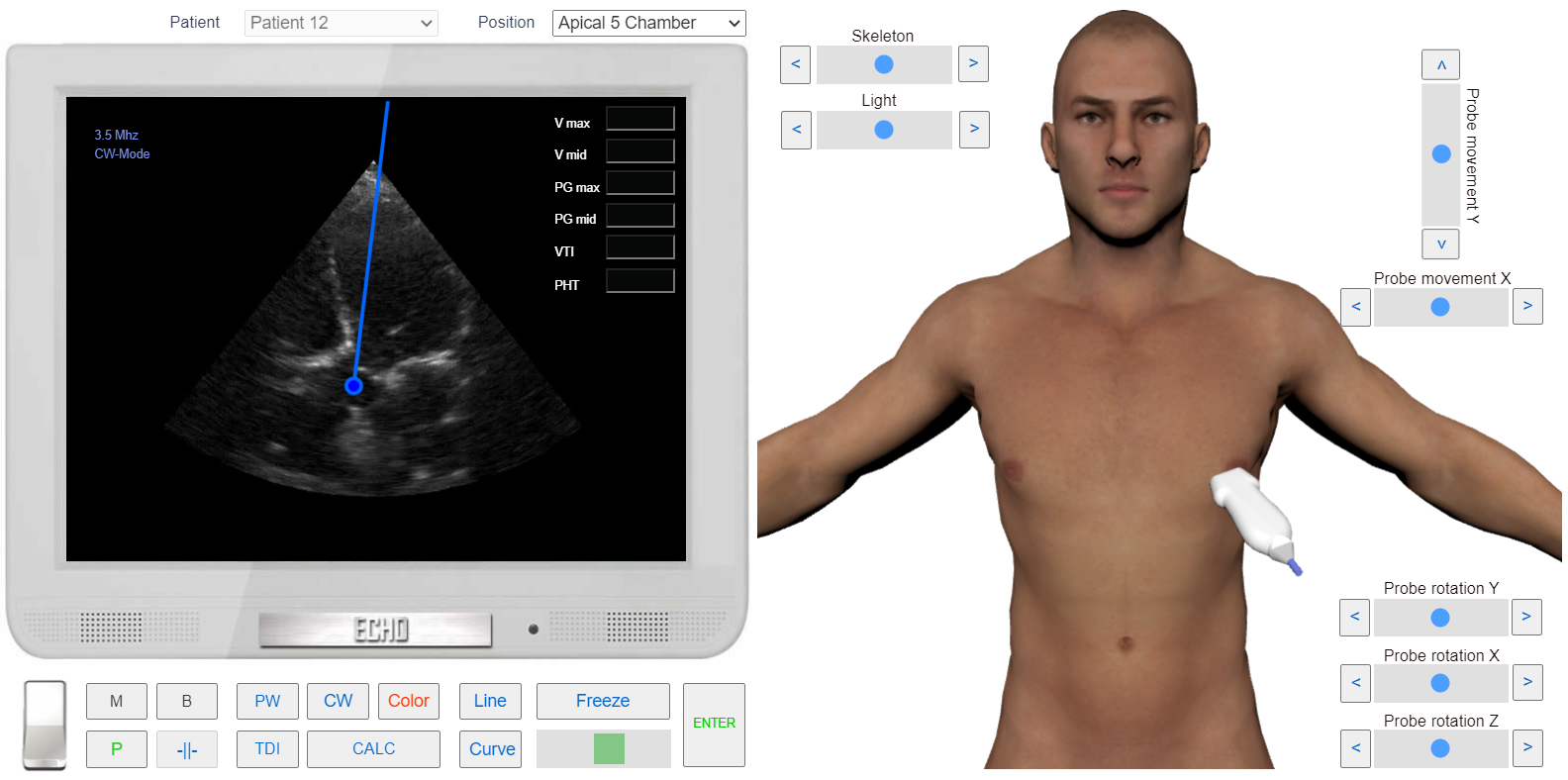
  4. Place Sample Volume on top of the aortic valve cusps and click.

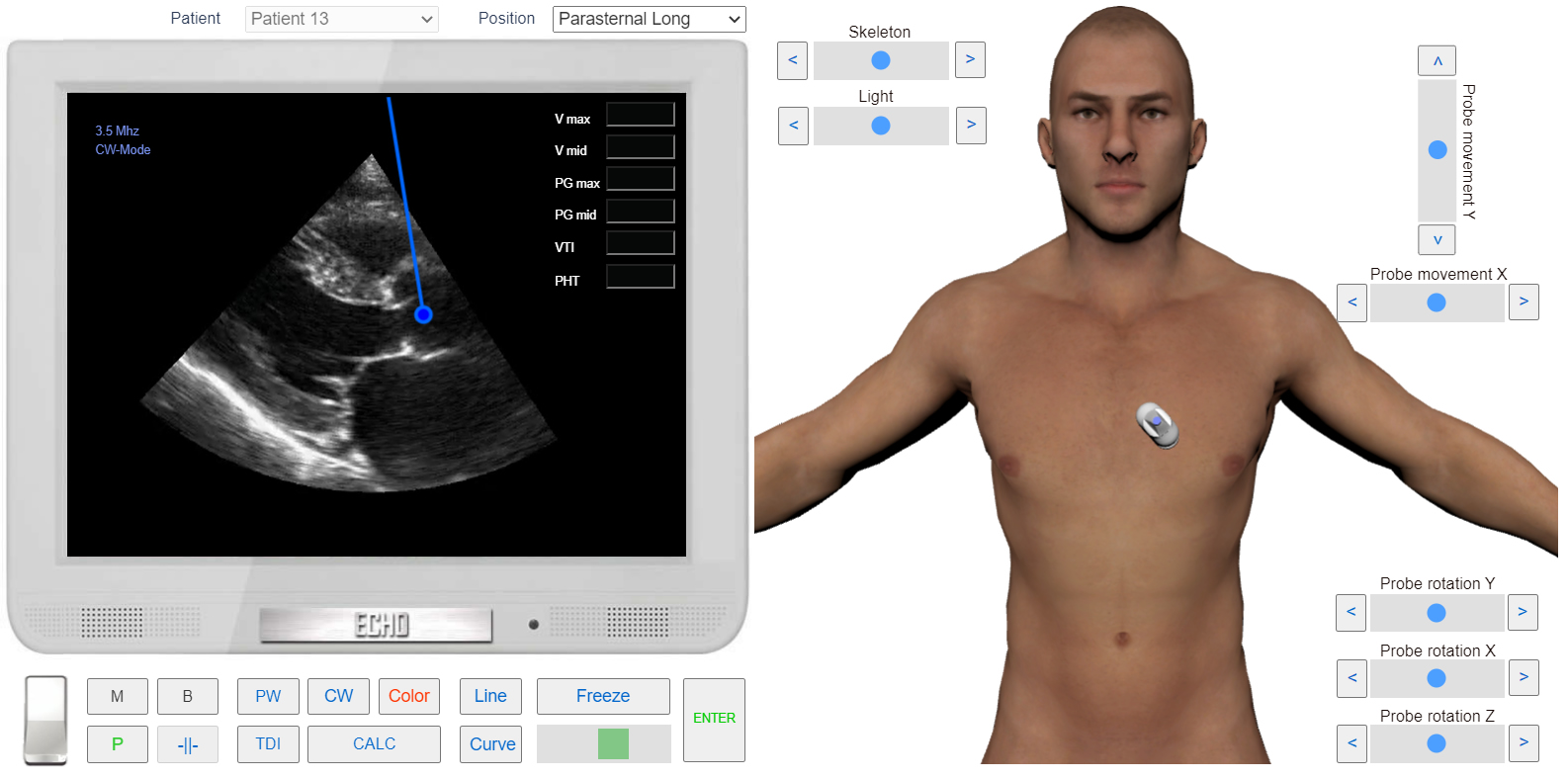
Sample Volume position. Parasternal view Long axis

Sample Volume position. Parasternal view Long axisClick image to enlarge

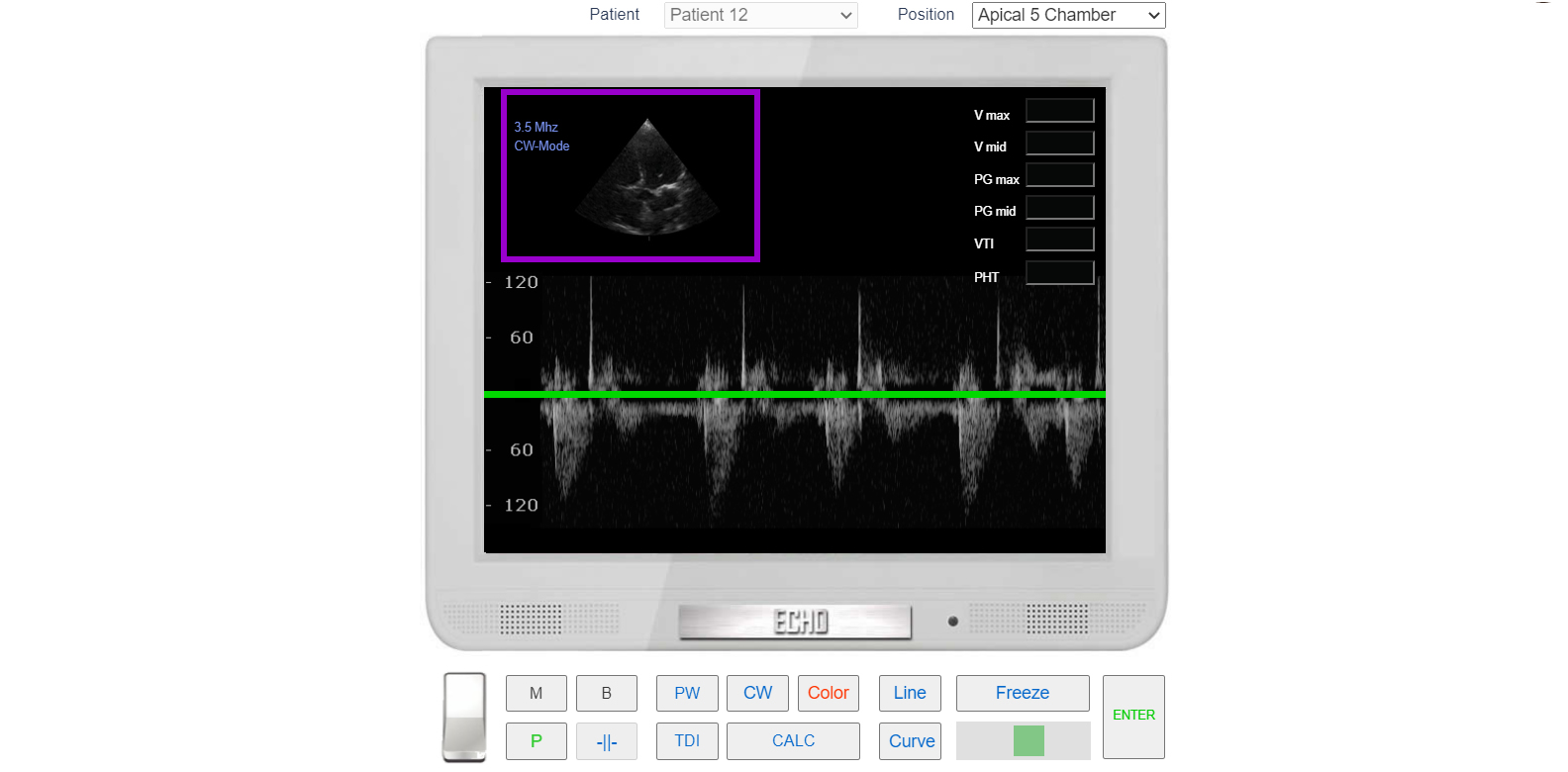
LVOT flow. CW Doppler

LVOT flow. CW DopplerClick image to enlarge

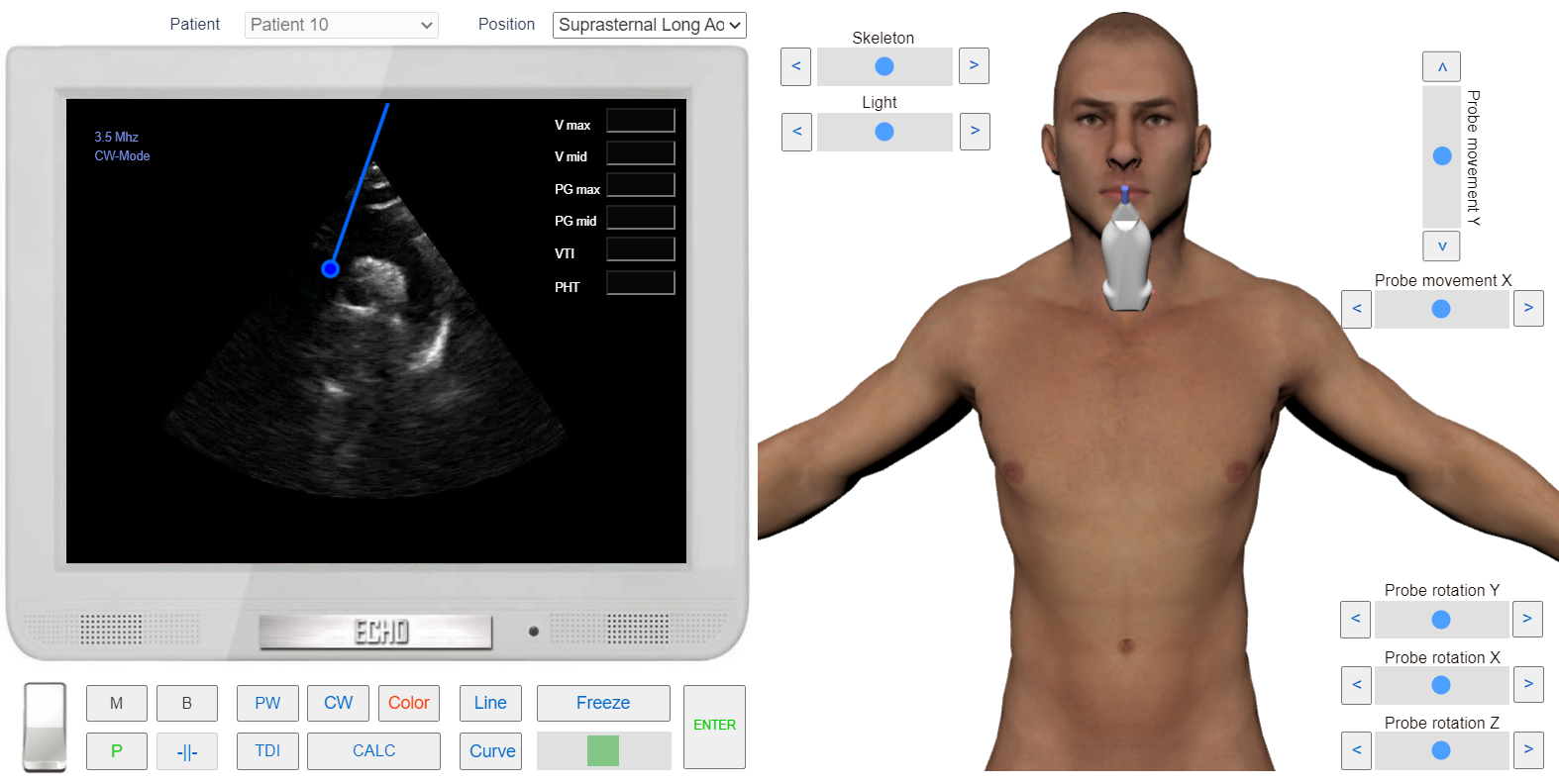
Sample Volume position. Suprasternal view Long axis

Sample Volume position. Suprasternal view Long axisClick image to enlarge

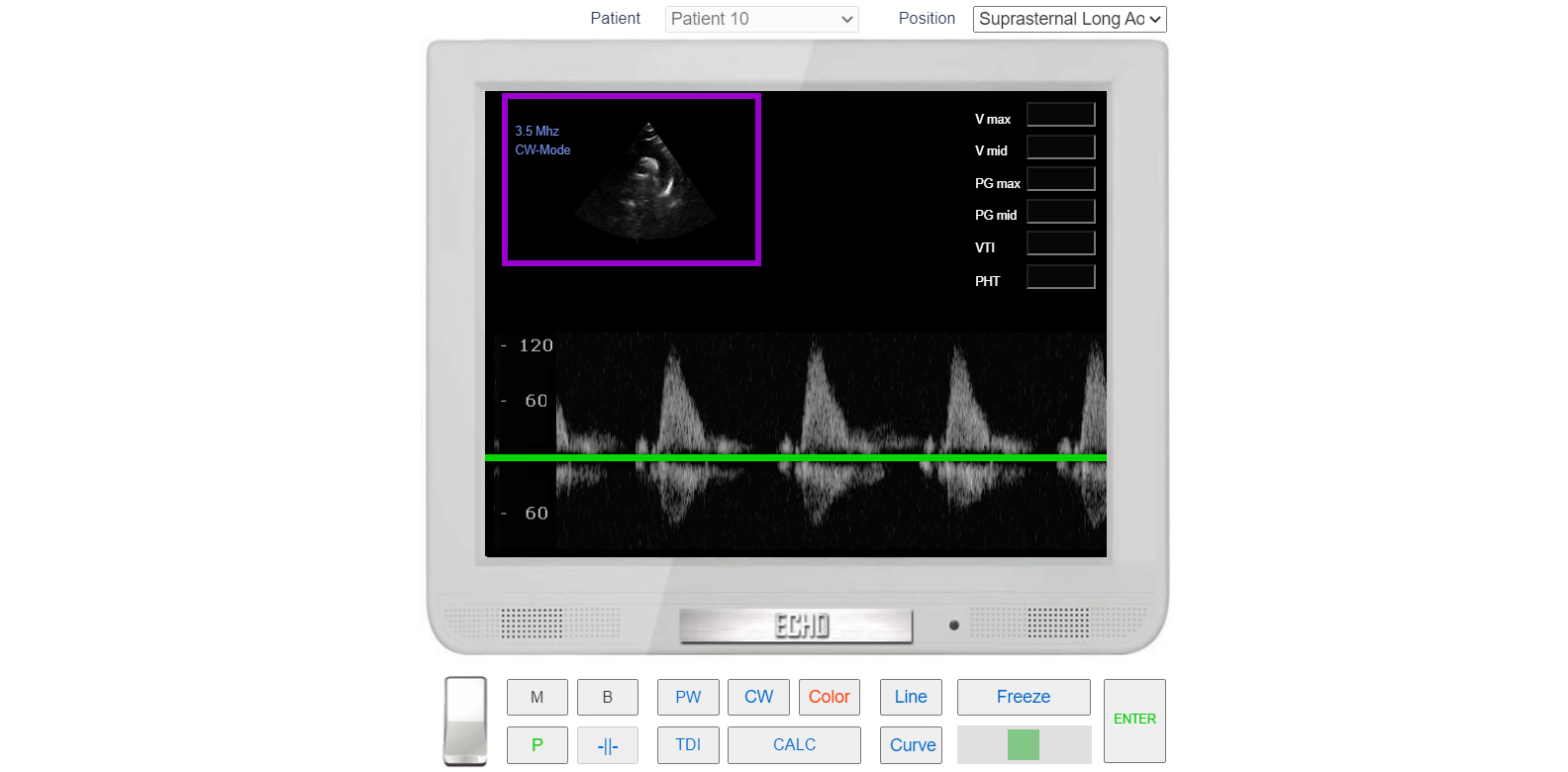
Suprasternal view Long axis. Asvending Aortic flow. CW Doppler

Suprasternal view Long axis. Asvending Aortic flow. CW DopplerClick image to enlarge
×Sample Volume position. Apical 5 Chamber view
×Sample Volume position. Parasternal view Long axis
×LVOT flow. CW Doppler
×Sample Volume position. Suprasternal view Long axis
×Suprasternal view Long axis. Asvending Aortic flow. CW Doppler