Manual›degree of Mitral stenosis by mean pressure gradient Echocardiography Simulator degree of Mitral stenosis by mean pressure gradient
What about a little bit of theory before beginning simulation? >>>
PRACTICE IN THE SIMULATOR
How to perform this examination
- Run Echocardiography Online Simulator
- From the List <<Patients>> Choose Patient 2 (User can Choose other patients with mitral regurgitation as well).
- From the List <<Positions>> Choose Apical 4 Chamber (Apical 4 Chamber View). or find the same position with 3D Transducer.
- Click Button <<Calculations>> Click Tab <<MV St >> Click Radio Button <<PG mean >>
- Click the button <<CW>> to move to Continuous Wave Spectral Doppler (CW).
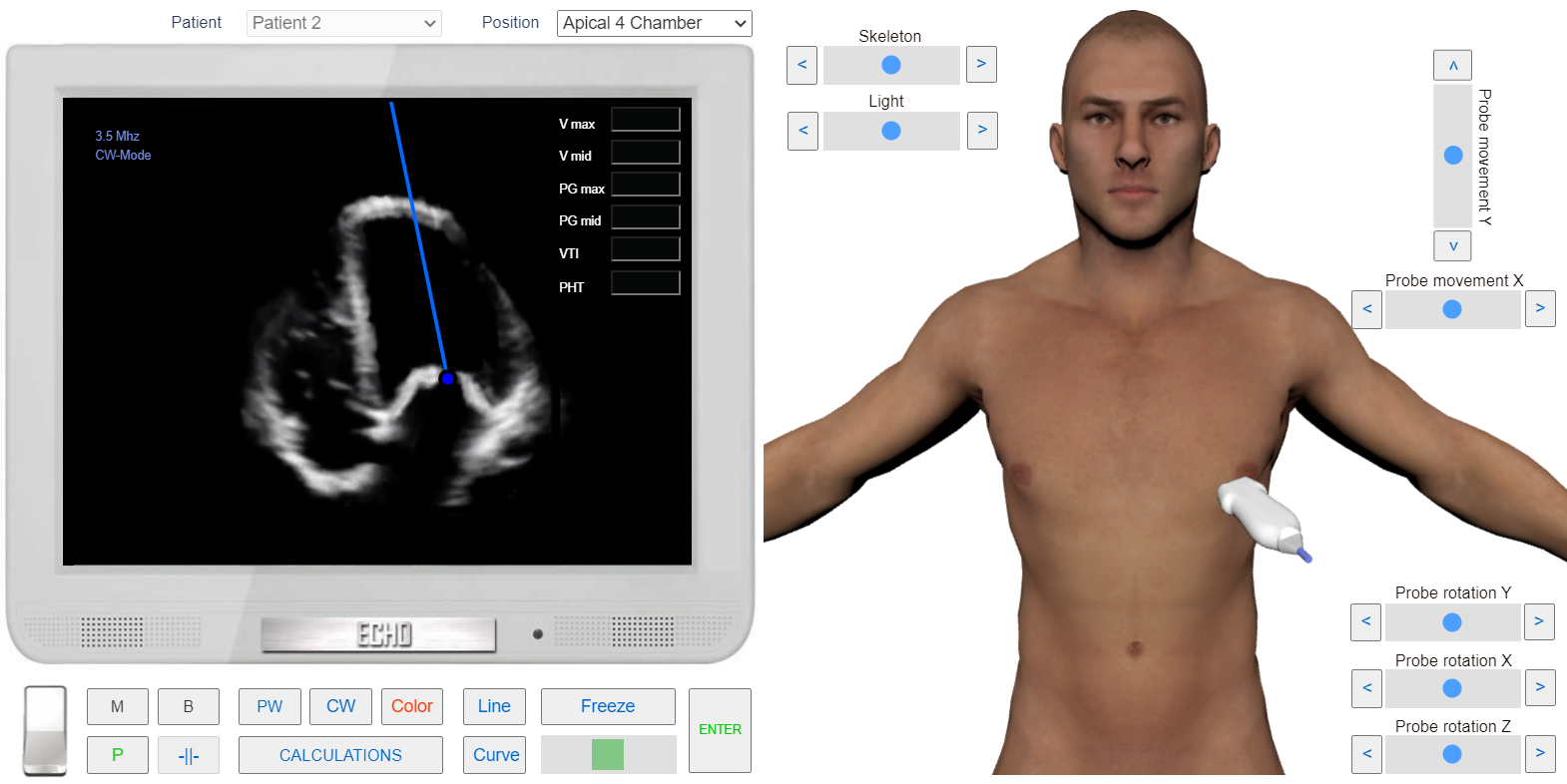
- Place Control Volume between the leaflets of the Mitral Valve and click.
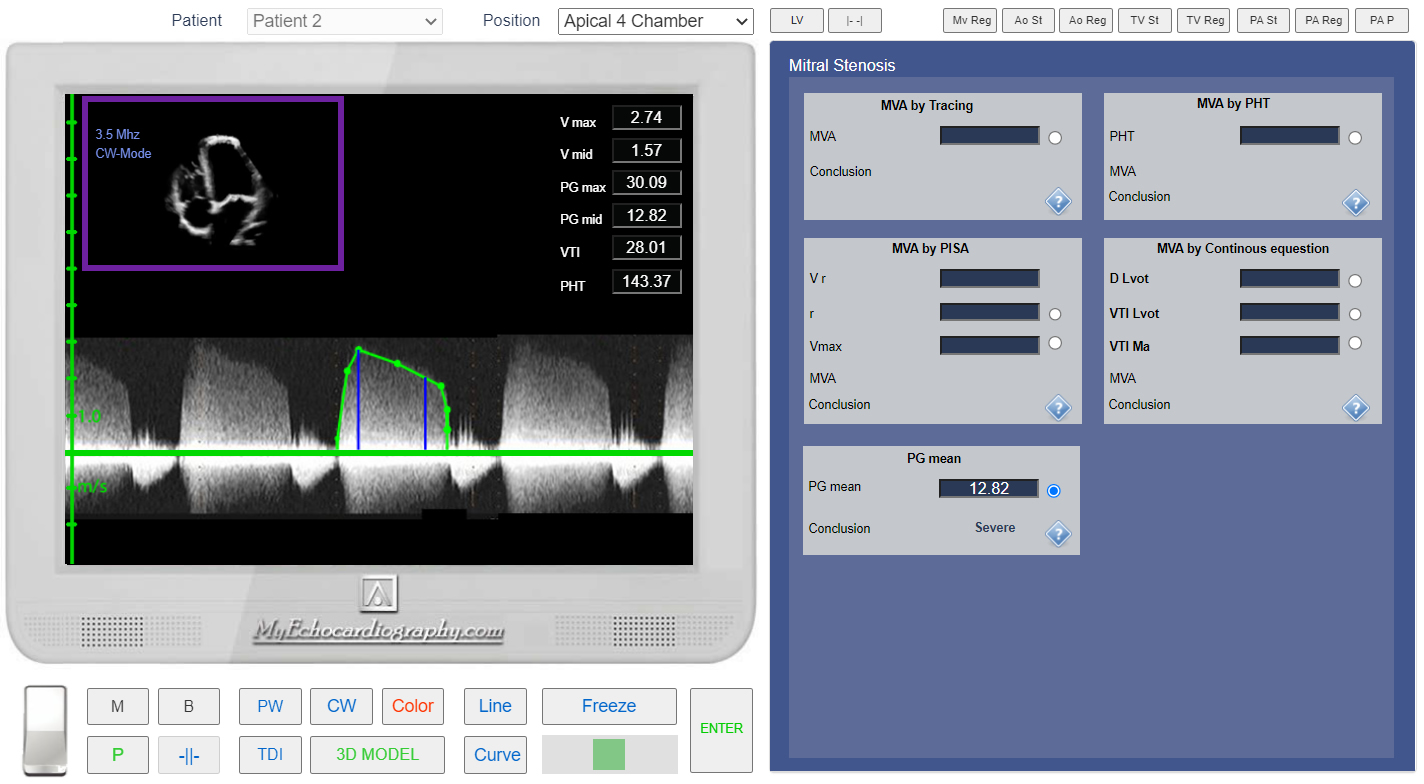
- Measure PG mean.
- Click the button <<Enter>>
 Click image to enlarge
Apical 4 Chamber View. Sample Volume position for examining the transmitral diastolic flow.
 Click image to enlarge
Apical 4 Chamber View. CW doppler. Transmitral diastolic flow. Measurement of the Pressure Mean Gradient.