Manual›Assessment degree of mitral stenosis by Mitral Valve area (Continuity Equation) Echocardiography Simulator Assessment degree of mitral stenosis by Mitral Valve area (Continuity Equation)
What about a little bit of theory before beginning simulation? >>>
PRACTICE IN THE SIMULATOR
How to perform this examination
- Run Echocardiography Online Simulator
- From the List <<Patients>> Choose Patient 2.
- From the List <<Positions>> Choose Parasternal Long (Left Parasternal View, Long axis of LV). or find the same position with 3D Transducer.
- Click the button <<Freeze>> to freeze image.
- Click Button <<Calculations>> Click Tab <<MV st >> Click Radio Button <<D Lvot>> (Calculator MVA by Continous equestion).
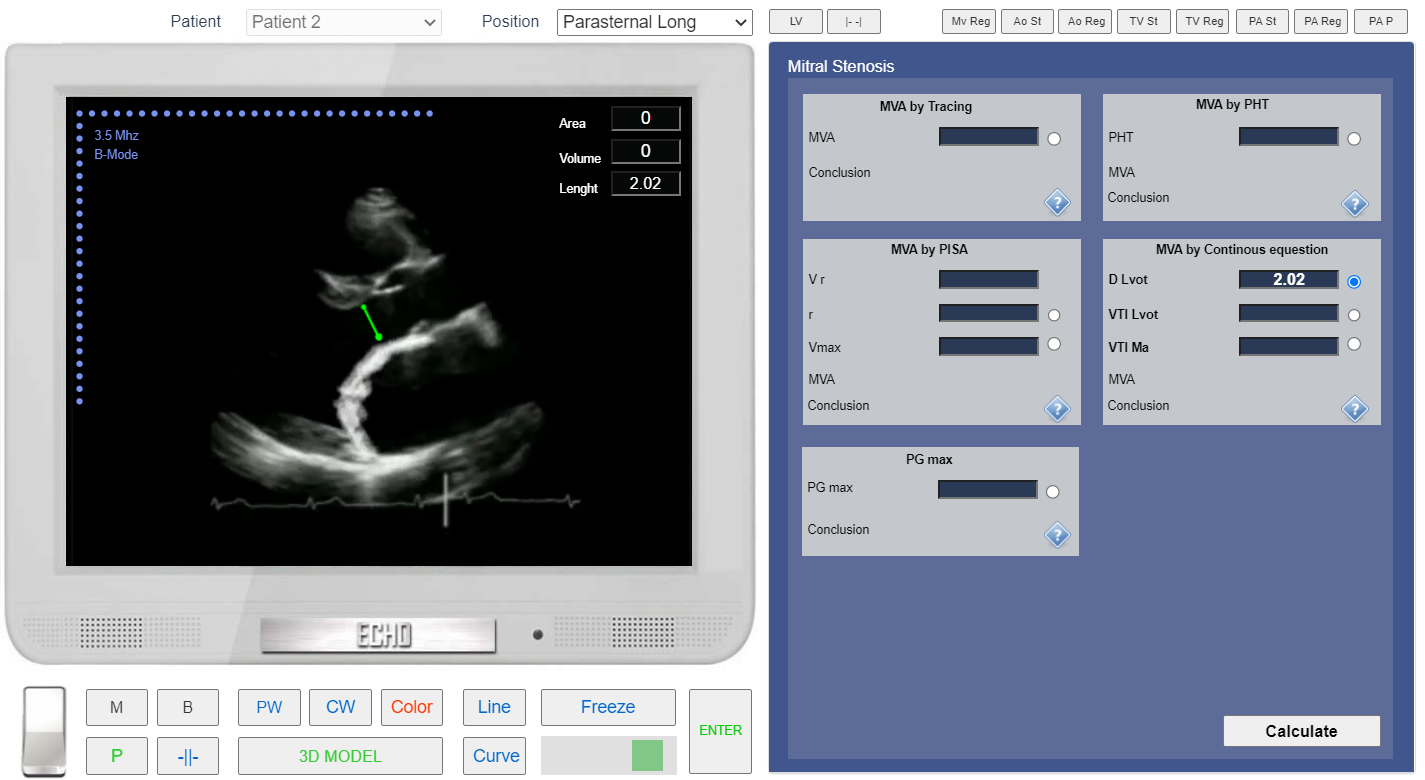
- Click the button <<Line>> Measure linear size of Left Ventricular Outflow Tract (LVOT). See Linear measurements.
- Click the button <<Enter>>
 Click image to enlarge
Left Parasternal View, the Long axis of LV. Measurement of the LVOT diameter.
PRACTICE IN THE SIMULATOR
- From the List <<Positions>> Choose Apical 5 Chamber or find the same position with 3D Transducer.
- Click the button <<Freeze>> to freeze image.
- in the Tab <<MV st >> Click Radio Button <<VTI Lvot>>
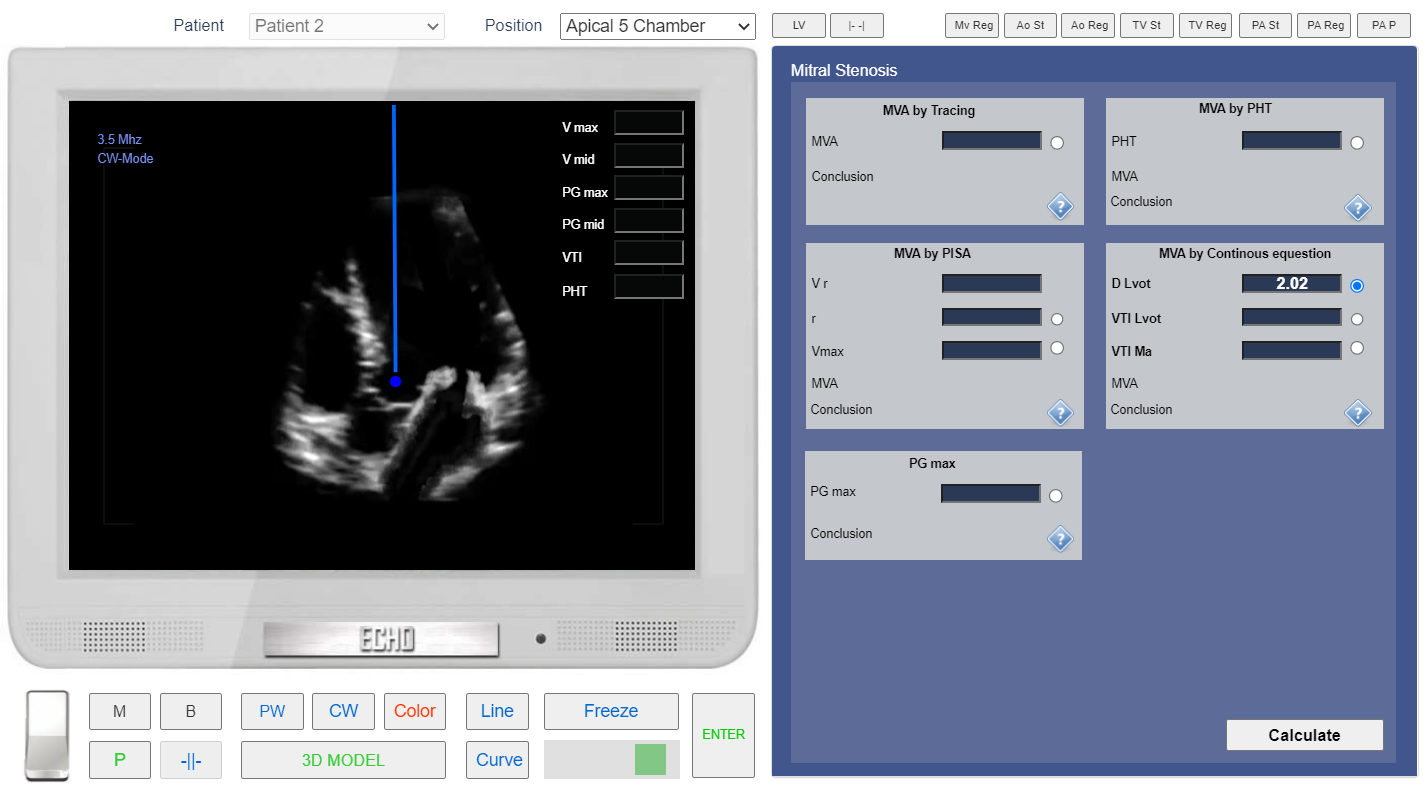
- Click the button <<CW>> to start CW doppler examination. Place Control Volume in LVOT (Left Ventricular Outflow Tractact) and Click.
 Click image to enlarge
Apical 5 chamber view. CW Doppler. Control Volume in LVOT.
PRACTICE IN THE SIMULATOR
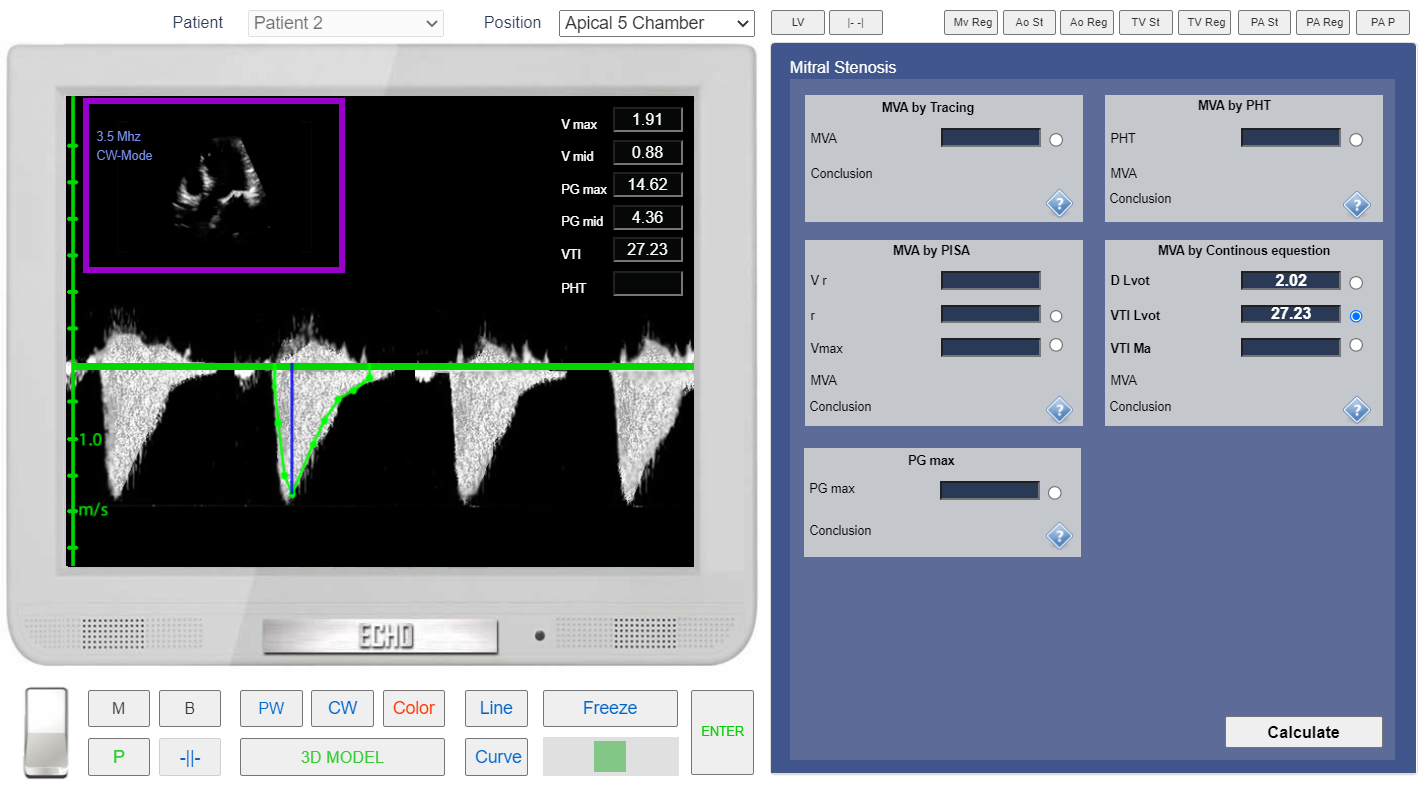
- Click the button <<Curve>> place points around spectrogram of LVOT flow. See Spectral Doppler Measurements.
- Click the button <<Enter>>
 Click image to enlarge
Apical 5 chamber view. CW doppler. Measurement of the VTI LVOT.
PRACTICE IN THE SIMULATOR
- From the List <<Positions>> Choose Apical 4 Chamber or find the same position with 3D Transducer.
- In the Tab <<MV st >> Click Radio Button <<VTI Ma>>
- Click the button <<CW>> to start Continuous Wave doppler examination. Place Control Volume Beetwen Mitral Valve Leaflets and Click.
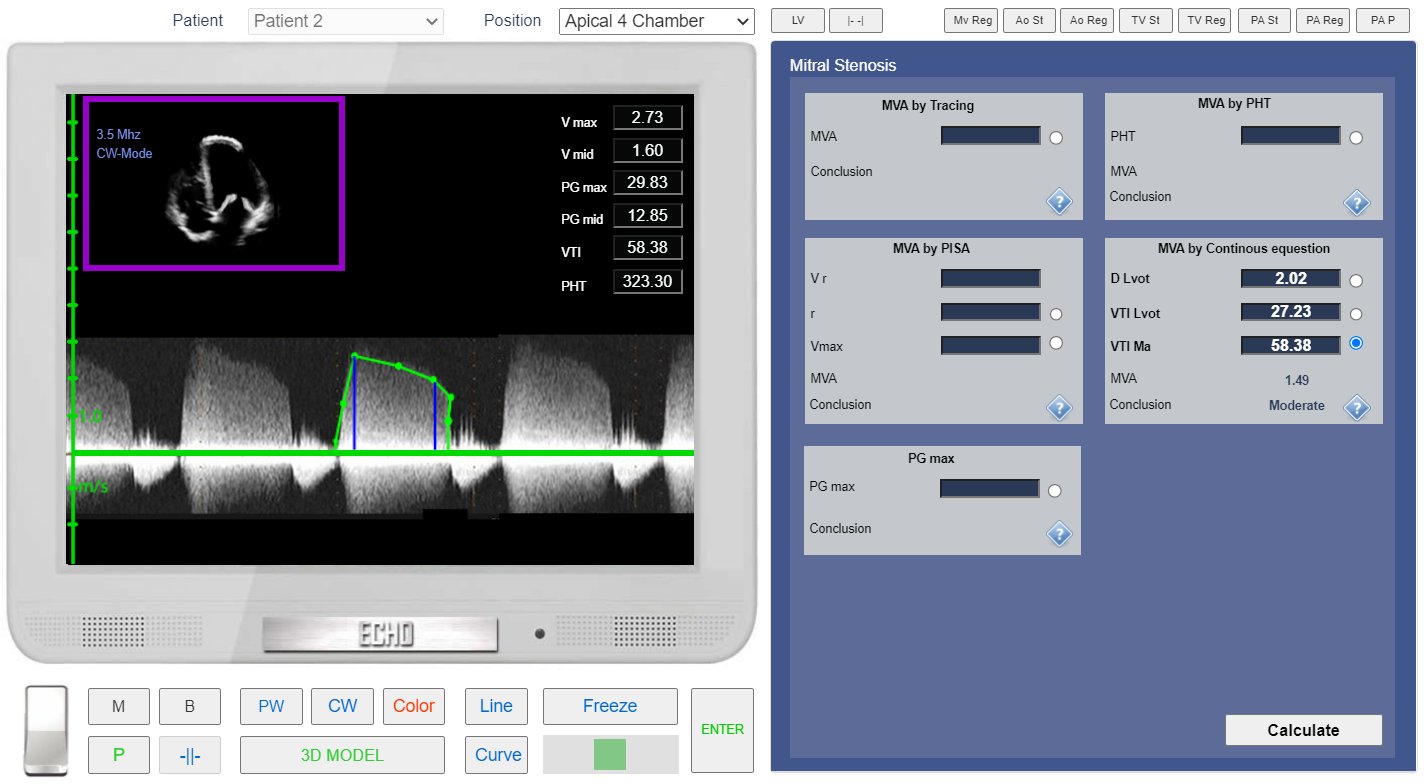
- Click the button <<Curve>> place points around spectrogram of MV Diastolic Flow. See Spectral Doppler Measurements.
- Click the button <<Enter>>
- In the Tab <<MV st >> Click Button <<Calculate>>
 Click image to enlarge
Apical 4 chamber view. CW doppler. VTI MV measurement.