Manual›Echocardiography Linear measurmentsEchocardiography SimulatorEchocardiography Linear measurments What about a little bit of theory before beginning the simulation?Click image to enlarge
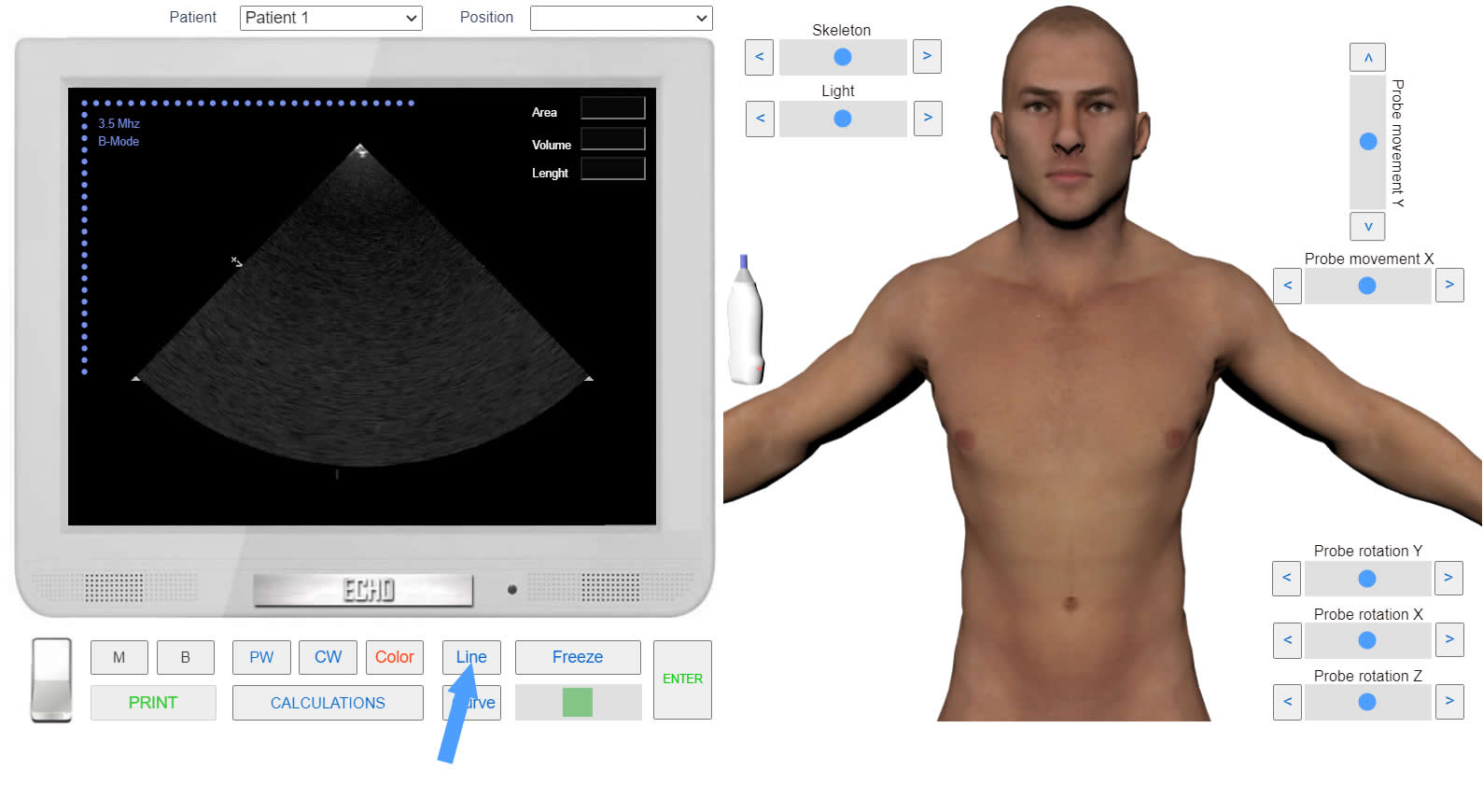
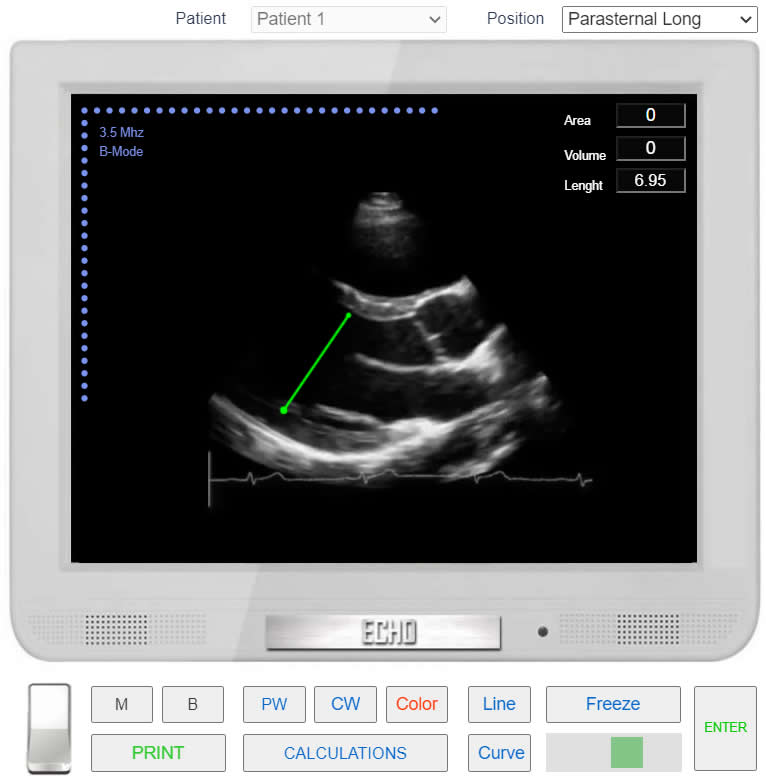
PRACTICE IN THE SIMULATORHow to perform this examination Run the Echocardiography Online Simulator Choose 2D position from the List <<Positions>> or find position with 3D Transducer Click the button <<Freeze>>. to freeze image. Find frame of interest with Slider. Click the button <<Line>> and perform linear measurements (Draw measurement line by clicking and specifying two points).
 Click image to enlargeClick image to enlarge
 Click image to enlarge