LV fractional shortening (FS%)
What about a little bit of theory before beginning the simulation? >>>
What about a little bit of theory before beginning the simulation? >>>
PRACTICE IN THE SIMULATOR
Choose 4 chamber position from the List <<Positions>> or find 4 chamber position with 3D Transducer
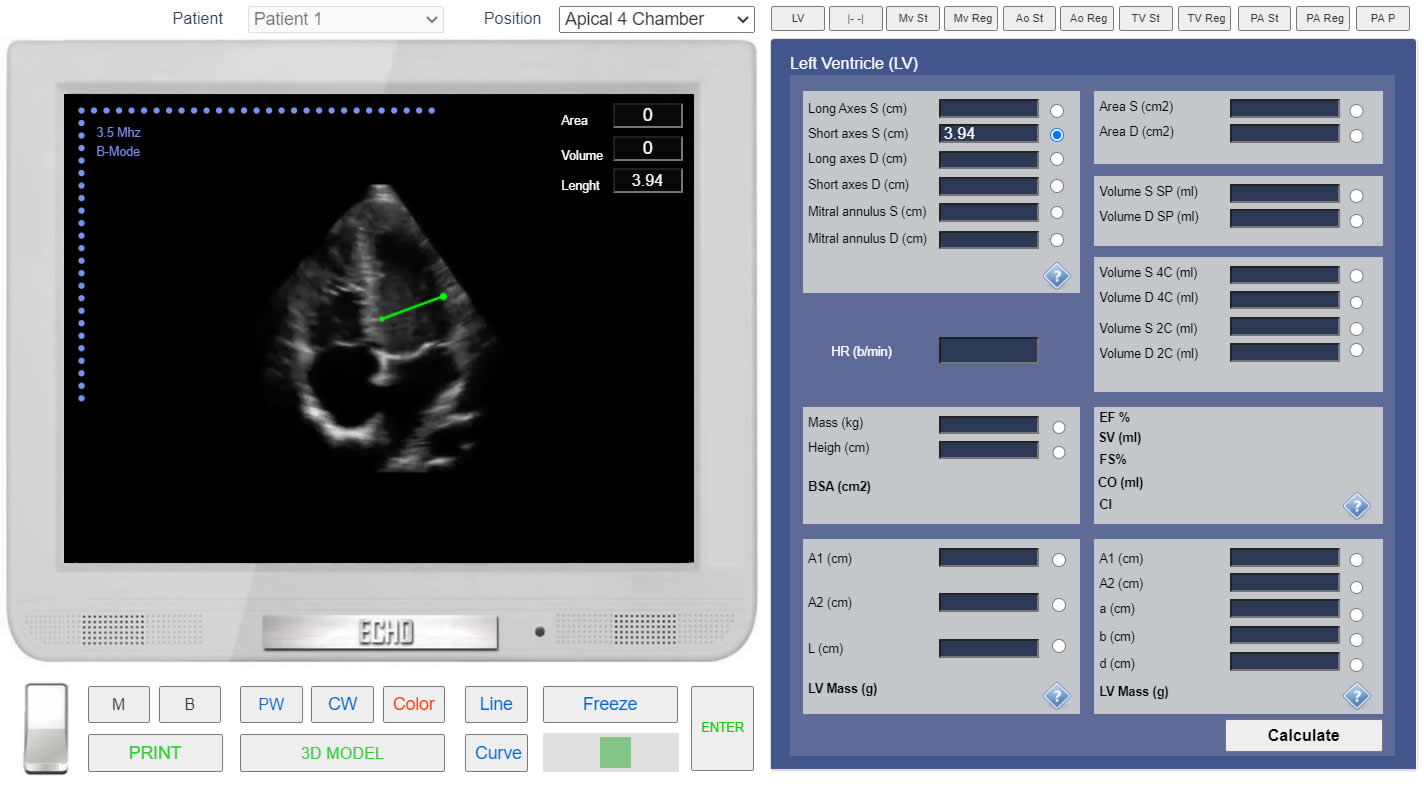 Click image to enlarge
FS% calculation. Measurement of the end-systolic Diameter.
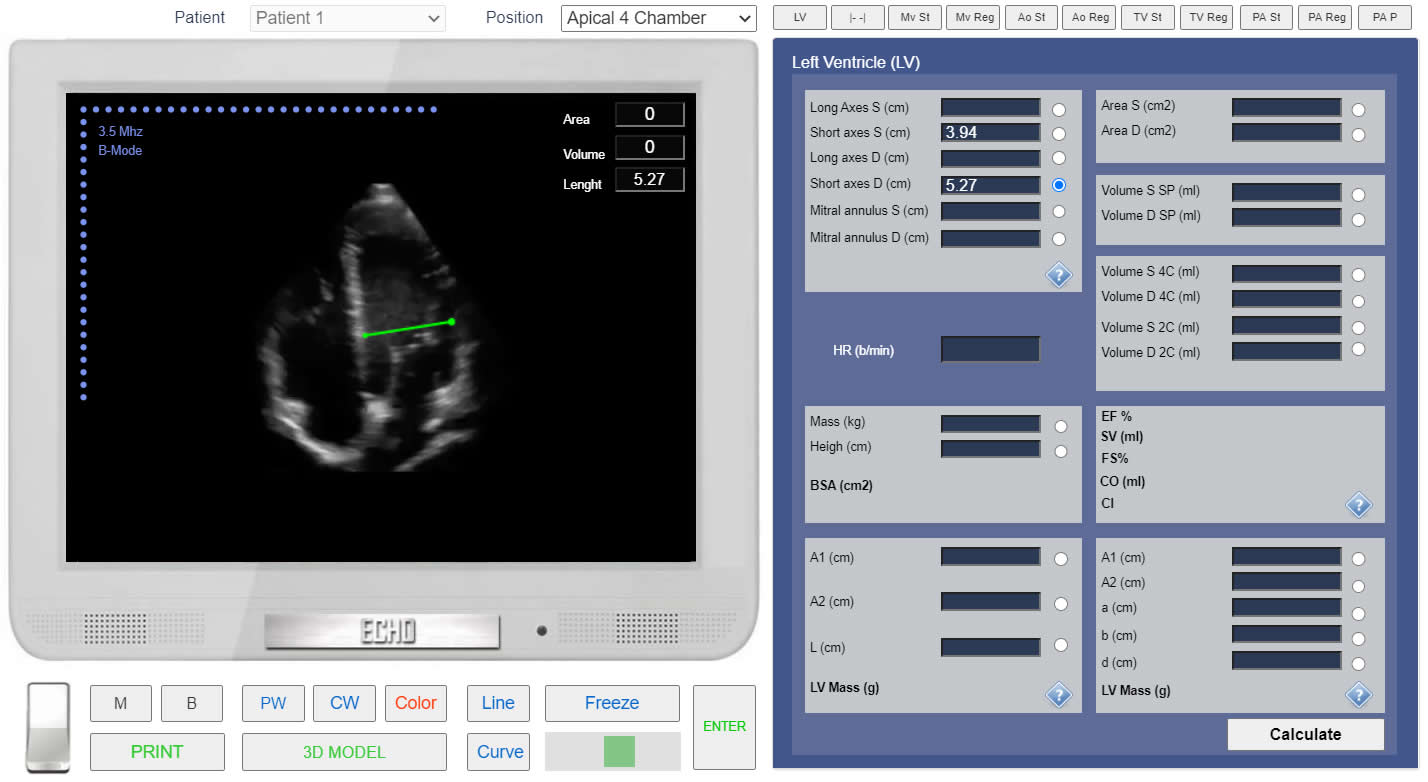 Click image to enlarge
FS% calculation. Measurement of the end-diastolic Diameter.