2
Choose Apical 4 chamber position from the List <<Positions>> or find apical 4 chamber position with 3D Transducer.
3
Click the button <<TDI>> to start Tissue doppler examination. Place Control Volume in the septal or lateral side of the mitral annulus and Click.
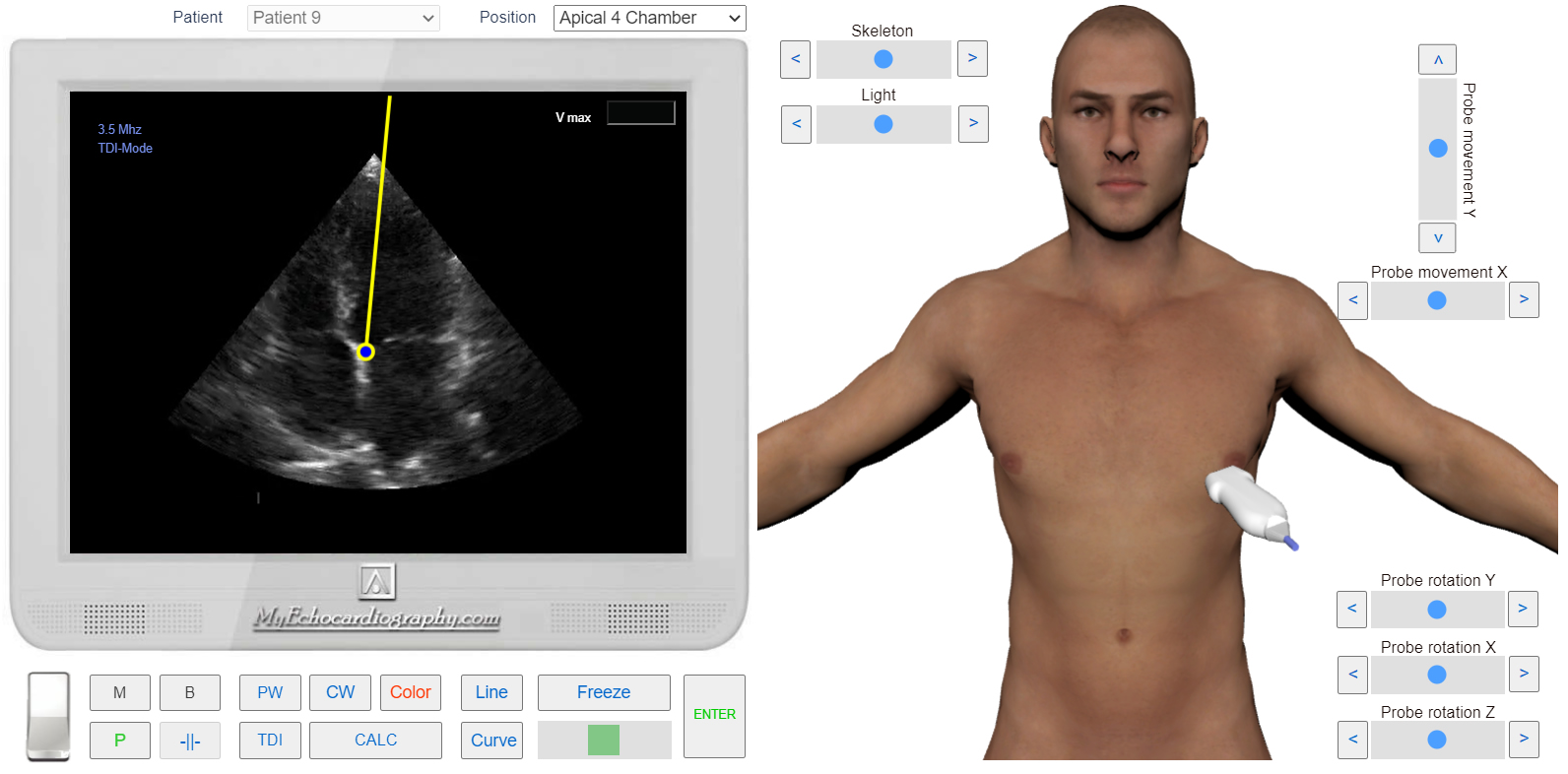
Apical 4 chamber view. Sample Volume position for the Septal TDI. Simulation by Echocardiography Online Simulator MyEchocardiography.com
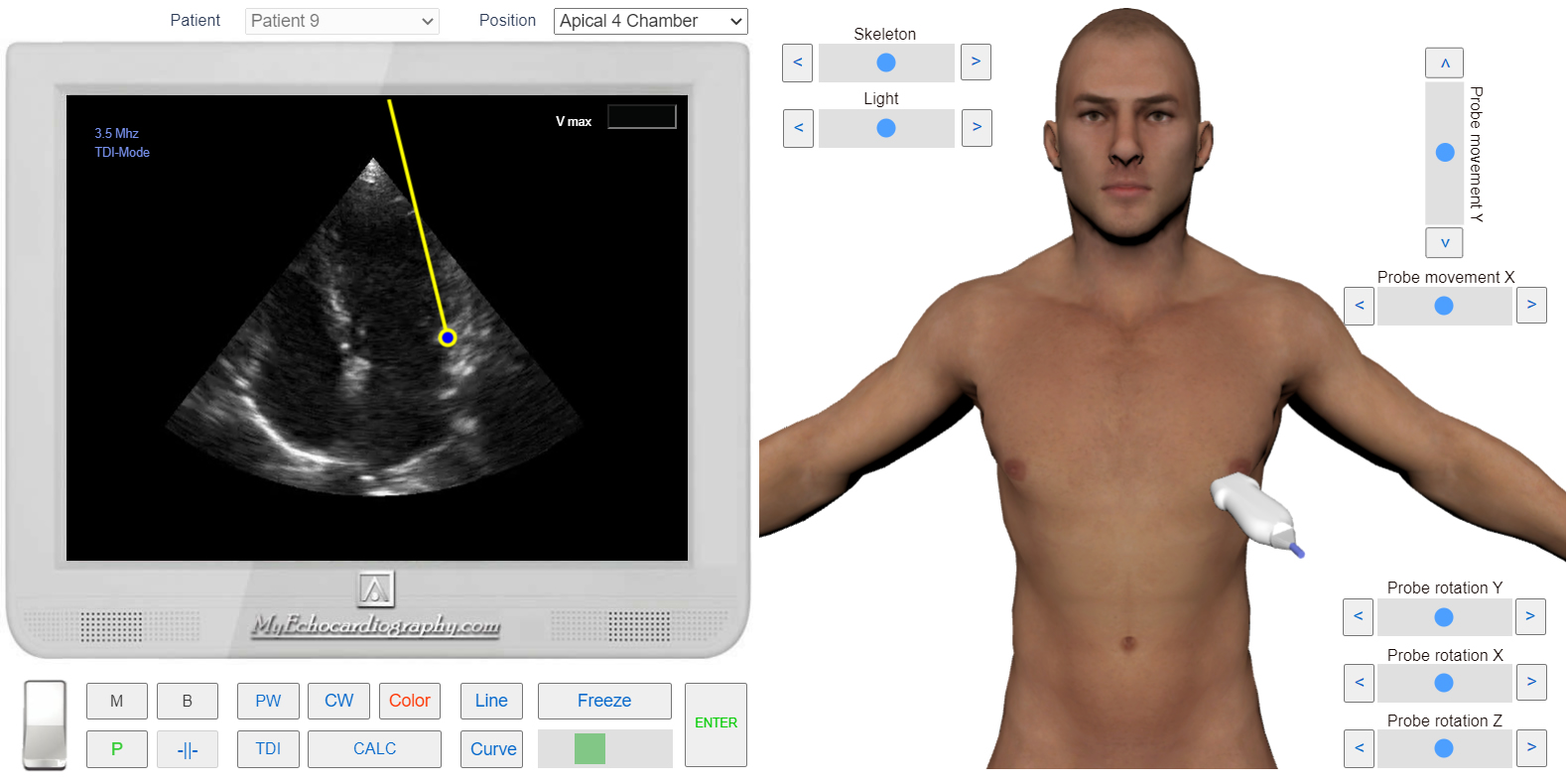
Apical 4 chamber view. Sample Volume position for the Lateral TDI.
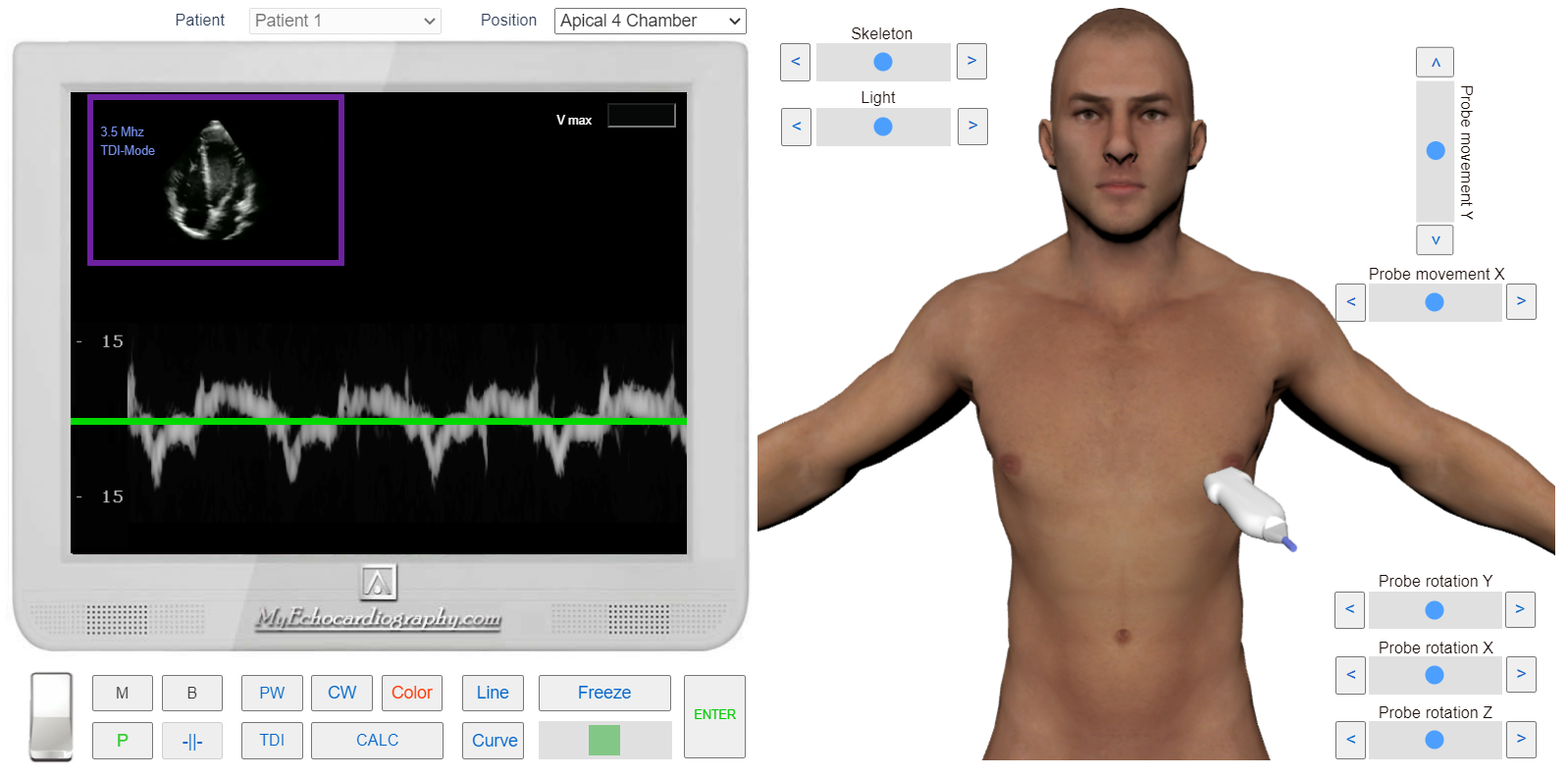
Tissue Doppler (TDI).