Subcostal View of the aorta
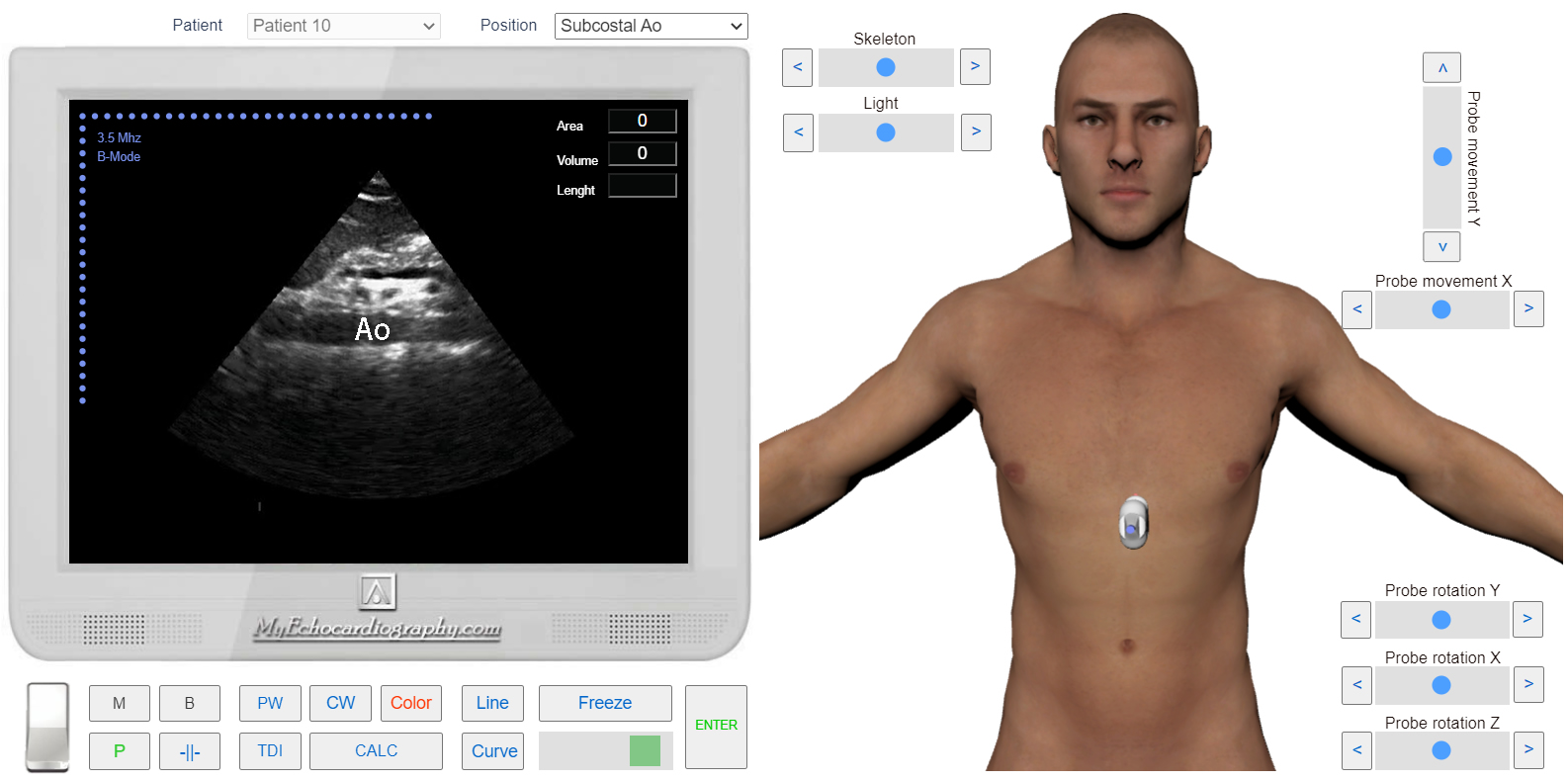
This approach is used to study the Abdominal Aorta (long axis).
 Click image to enlarge
This approach is used to study the Abdominal Aorta (long axis).
Click image to enlargePRACTICE IN THE SIMULATOR
From the subcostal view of the IVC, the subcostal view of the abdominal aorta is obtained by angling the sound beam to the patient’s left side (left lateral).
VIDEO TUTORIAL