PRACTICE IN THE SIMULATOR
How to perform this examination
- From the List <<Patients>> Choose Patient 2 (User can Choose other patients as well).
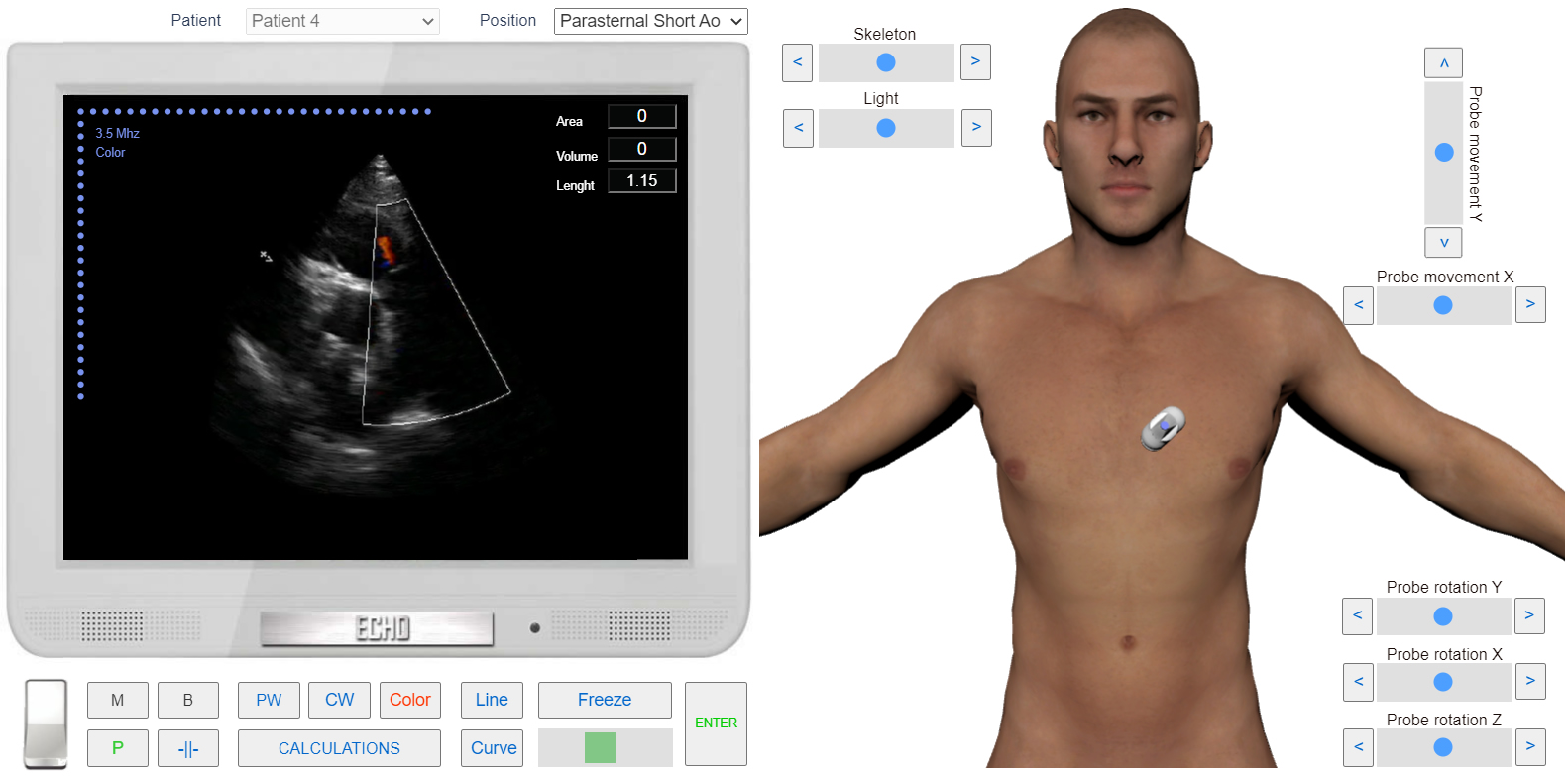
- From the List <<Positions>> Choose Parasternal Short Ao (Left Parasternal View, Short axis At the Level of Aortic Valve). or find the same position with 3D Transducer.
- Click the button <<Color>> to go to Color Mode.
- Click the button <<Freeze>> to freeze image. Using Slider find the frame of maximum Pulmonary Regurgitation Jet.
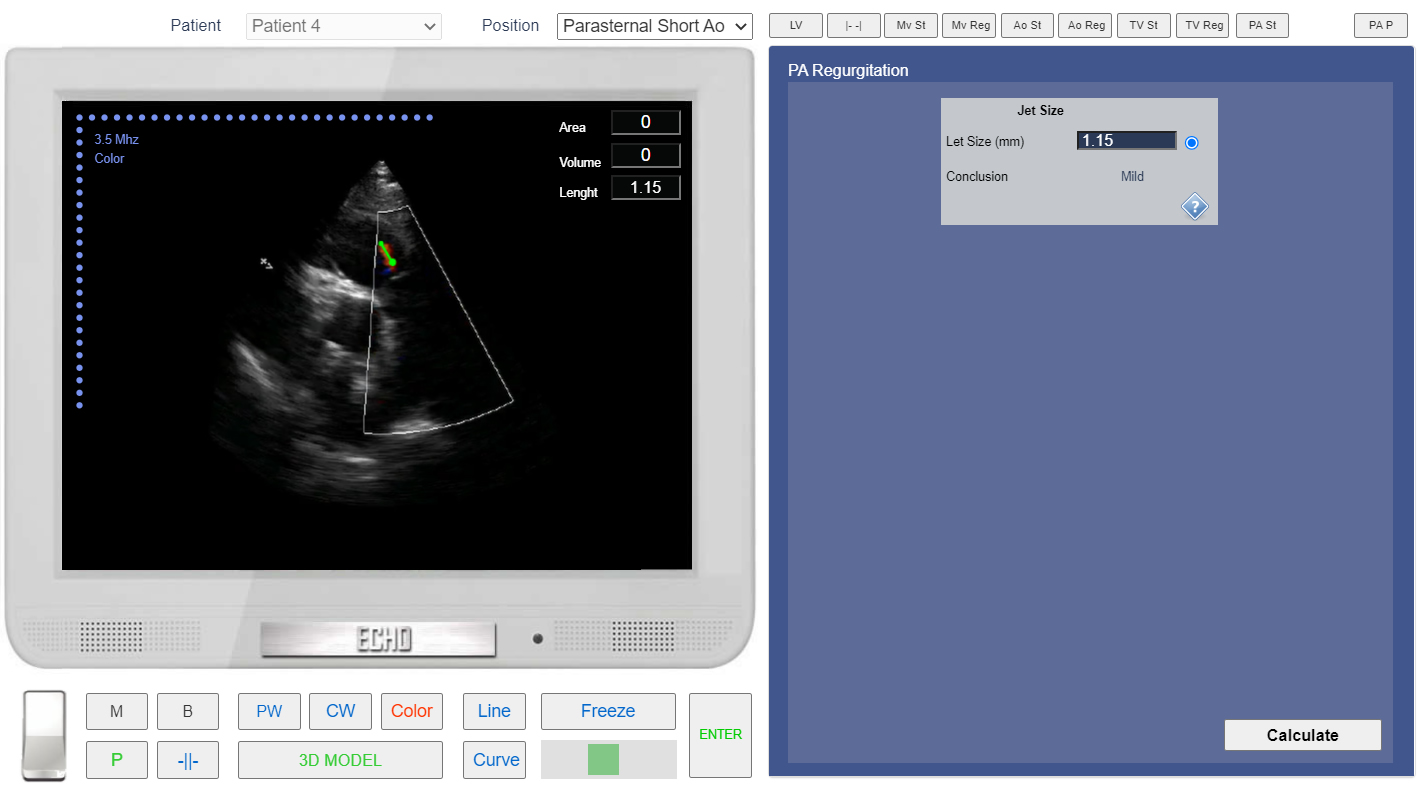
- Click Button <<Calculations>> Click Tab <<PA reg>> Click Radio Button <<Jet Size >>
- Click the button <<Line>> and Measure Pulmonary Regurgitation Jet size.
- Click the button <<Enter>>
- In the Tab <<PA reg>> Click the button <<Calculate>>
 Click image to enlarge
Left Parasternal View, Short axis at the level of Aortic Valve.
 Click image to enlarge
Left Parasternal View, Short axis at the level of Aortic Valve, Assessment of Pulmonary Regurgitation.
ASE Guideline for Assessment degree of Pulmonary Regurgitation