Manual›Pulmonary Artery Systolic pressure Echocardiography Simulator Pulmonary Artery Systolic pressure
What about a little bit of theory before beginning simulation? >>>
PRACTICE IN THE SIMULATOR
How to perform this examination
- Run Echocardiography Online Simulator
- From the List <<Patients>> Choose Patient 1 (User can Choose other patients as well).
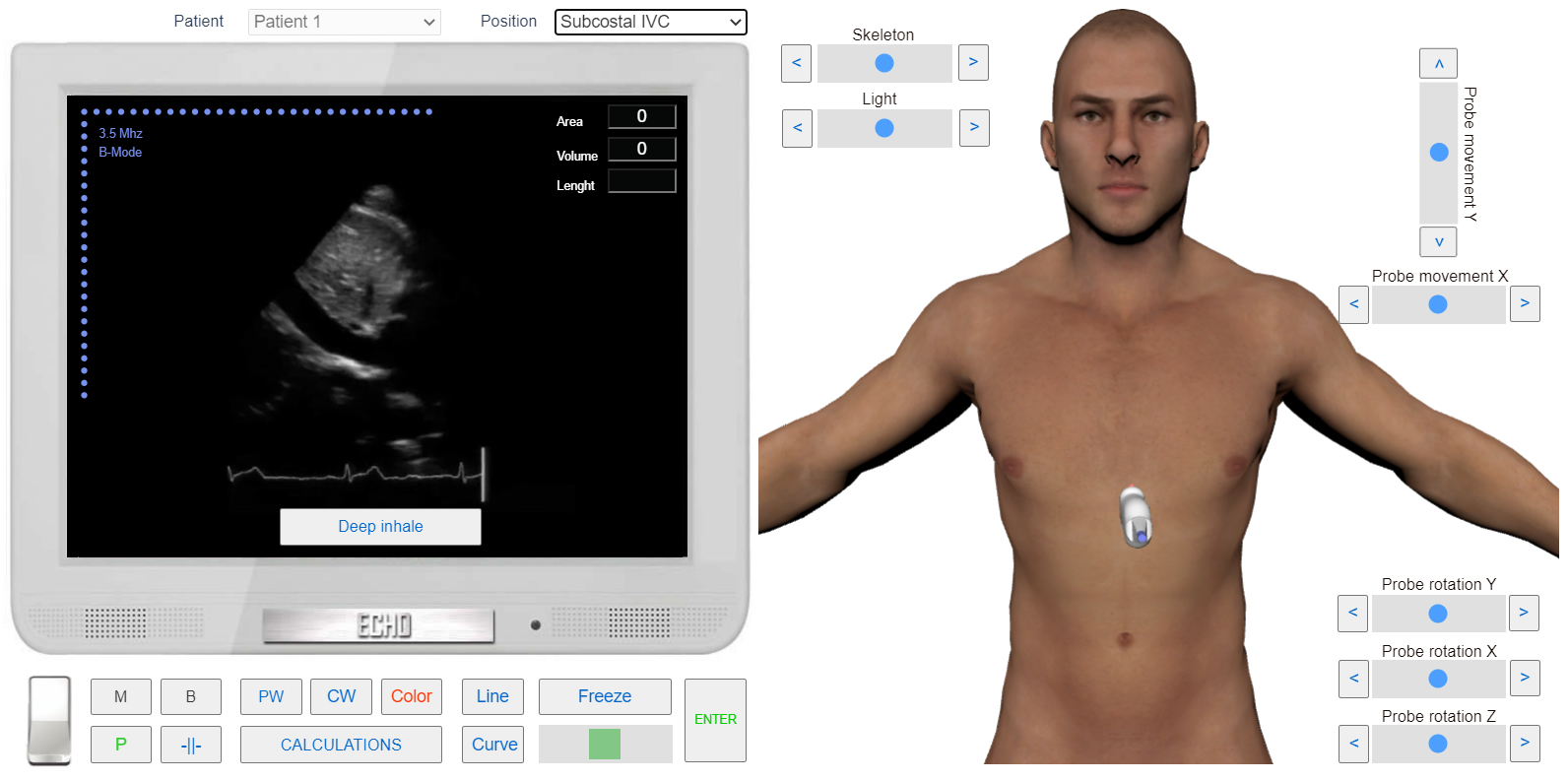
- From the List <<Positions>> Choose Subcostal IVC (Subcostal View, Long axis of Inferior Vena Cava). or find the same position with 3D Transducer. We need this position for pressure assessment in Right atrium.
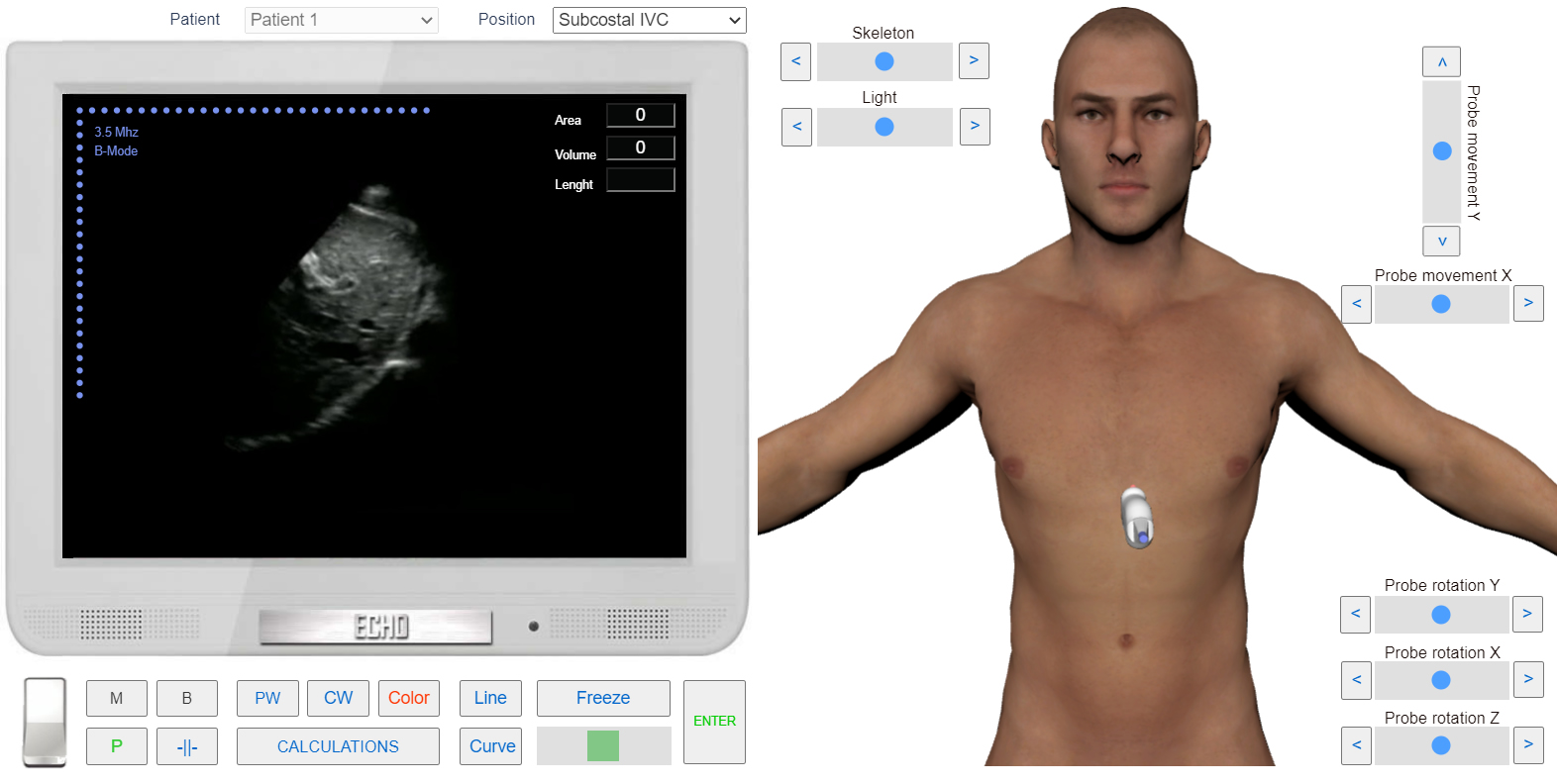
- Click the button <<Deep Inhale >>. Examine IVC reaction on deep inhale.
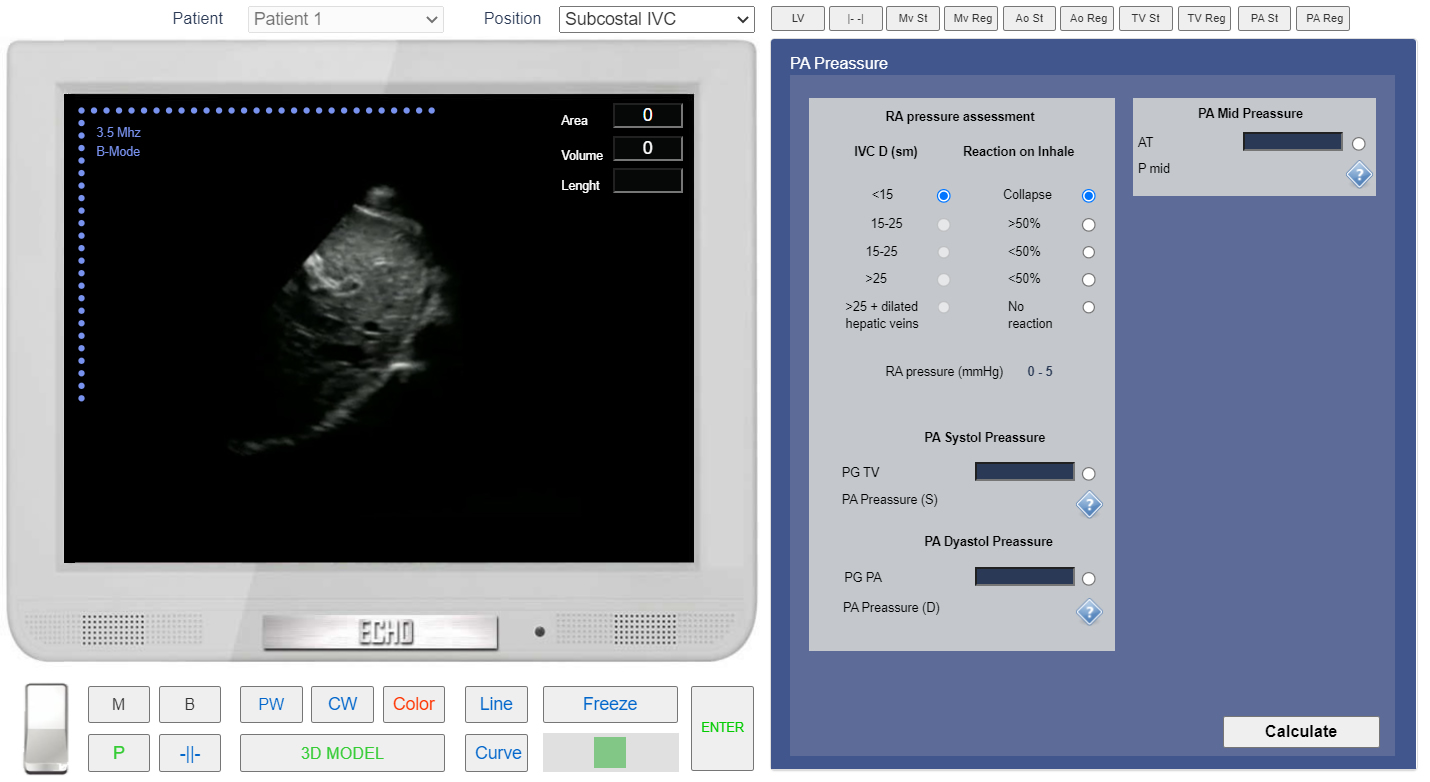
- Click Button <<Calculations>> Click Tab <<PA P>>. In this case IVC after deep inhale totally collapsed. Click Radio Button <<Collapse>>. Simulator will calculate RA pressure.
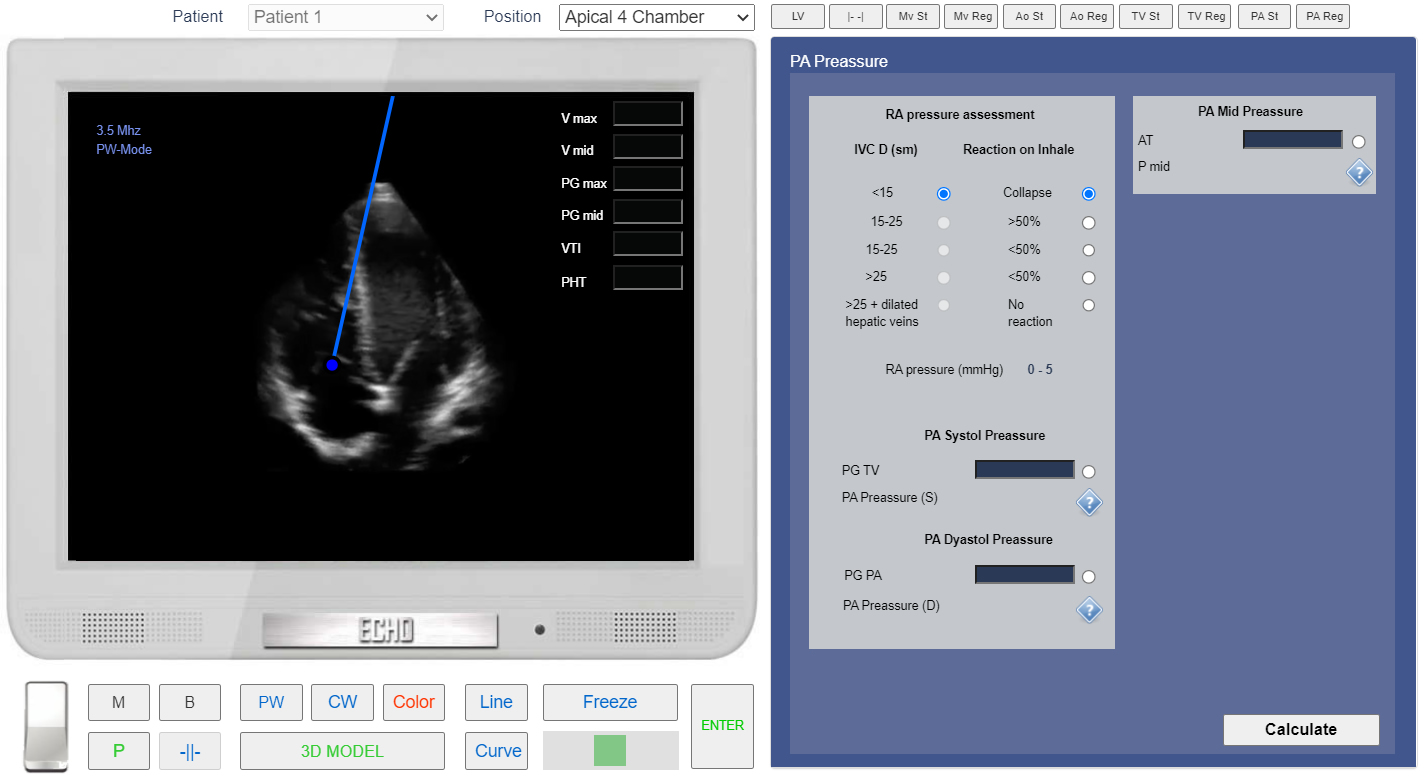
- From the List <<Positions>> Choose Apical 4 Chamber (Apical 4 chamber View) or find the same position with 3D Transducer.
- Click the button <<PW>> and place Control Volume of Pulse Wave Doppler in Tricuspid Valve.
- In the Tab Tab <<PA P>> click the radio Button <<PG TV>>
- Click the button <<Curve>> trace around TV regurgitation jet to measure PG max of tricuspid egurgitation.
- Click the button <<Enter>>
 Click image to enlarge
Subcostal View, the Long axis of Inferior Vena Cava.
 Click image to enlarge
Subcostal View, the Long axis of Inferior Vena Cava. Deep inhale.
 Click image to enlarge
RA pressure Calculation by examining the collapse of the Inferior Vena Cava during deep inspiration.
 Click image to enlarge
Apical 4 chamber View. Control Volume Position for Tricuspid flow PW doppler.
 Click image to enlarge
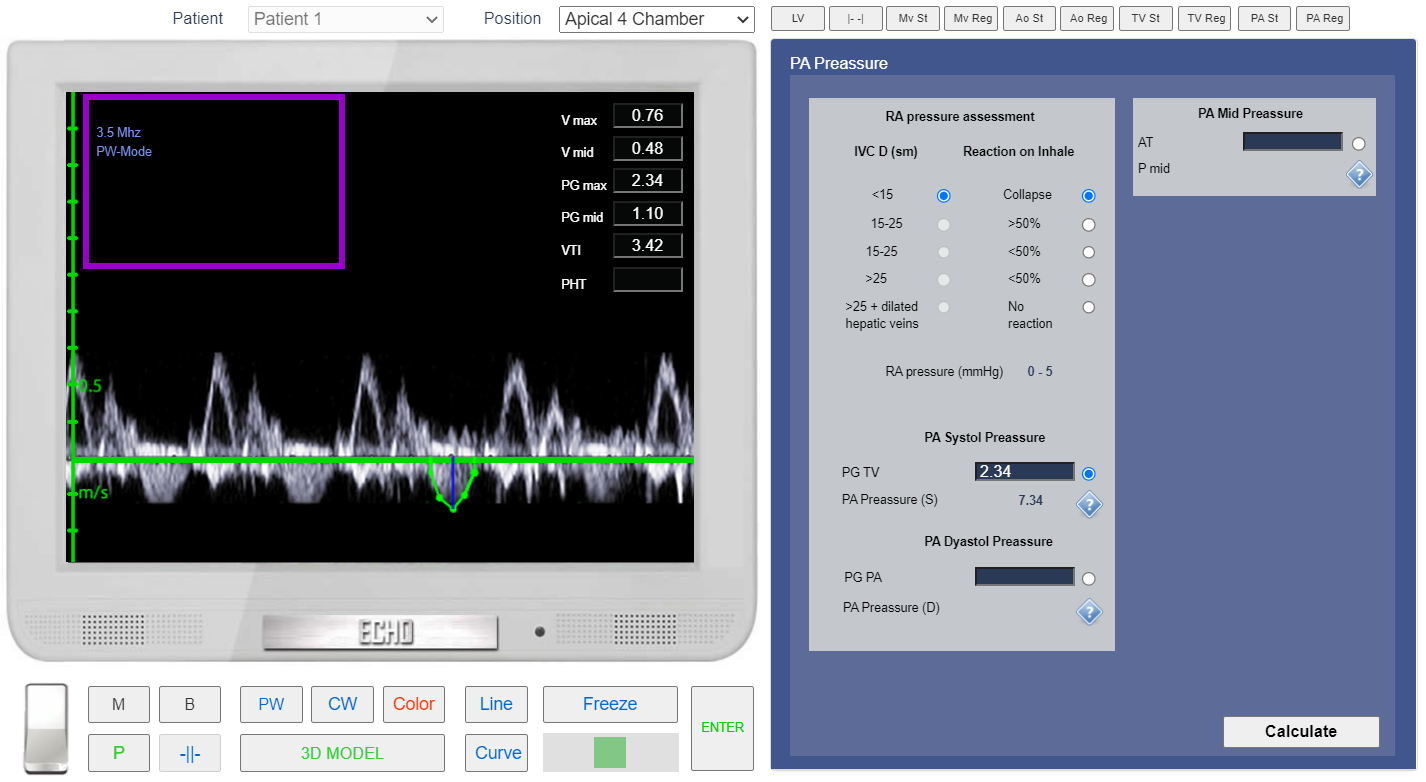
Tricuspid flow PW doppler. Calculation of Tricuspid regurgitation PG max and Pulmonary Artery Systolic Pressure.