Manual›LV Ejection Fraction (EF%) And Stroke Volume (SV) Echocardiography SimulatorLV Ejection Fraction (EF%) And Stroke Volume (SV)
What about a little bit of theory before beginning the simulation? >>>
PRACTICE IN THE SIMULATOR
How to perform this examination
- Run the Echocardiography Online Simulator
Singe Plane Method:
- Choose 4 chamber position from the List <<Positions>> or find 4 chamber position with 3D Transducer
- Click the button <<Freeze>> to freeze image. Using Slider find LV End-Systolic frame.
- Click Button <<Calculations>> Click Tab <<LV>> Click Radio Button <<Volume S SP (ml)>>.
- Measure LV Volume
- Click the button <<Enter>>
- Using Slider find LV End-Diastolic frame.
- In the Tab LV Click Radio Button <<Volume D SP (ml)>>
- Click the button <<Enter>>.
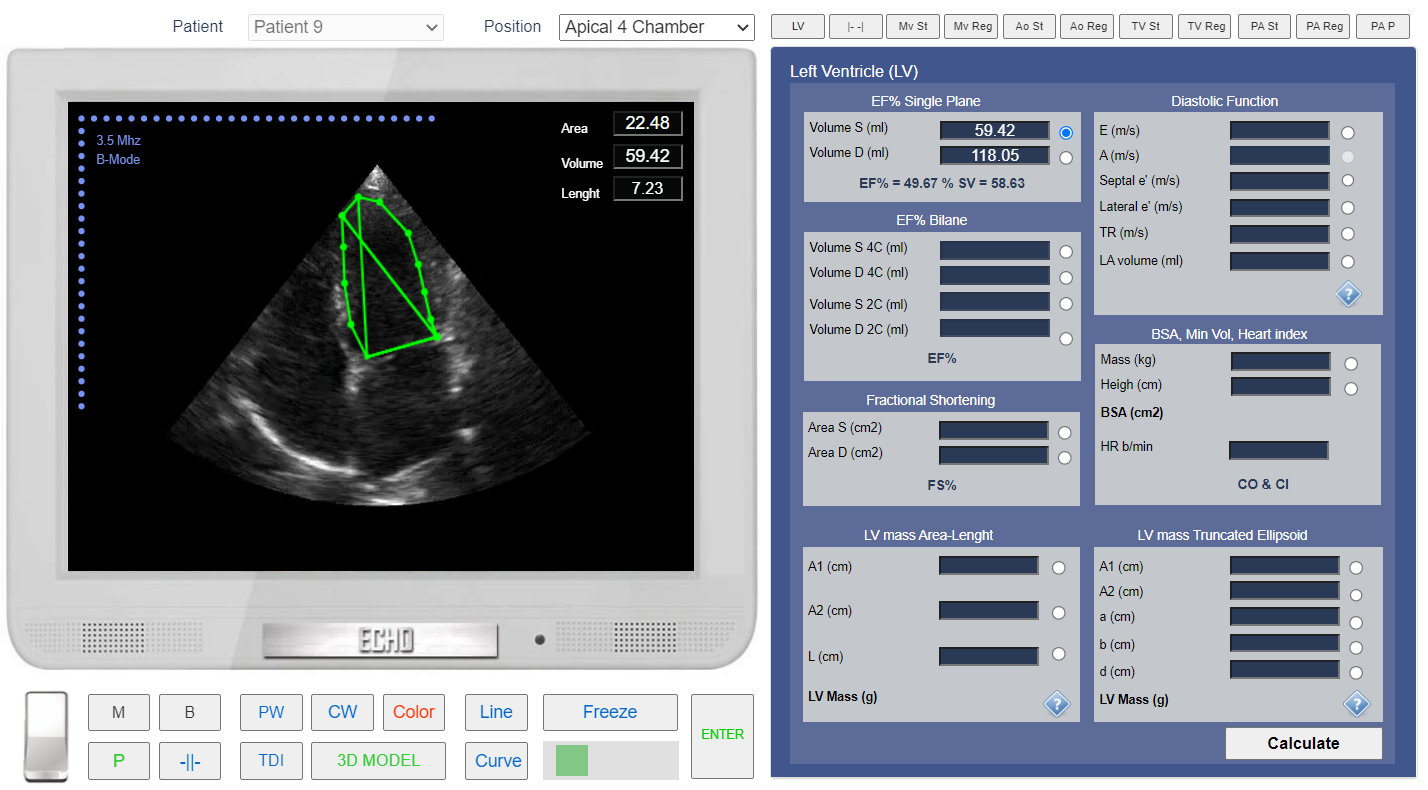 Click image to enlarge
EF% calculation. Single Plane Method. Measurement of the end-systolic Volume.
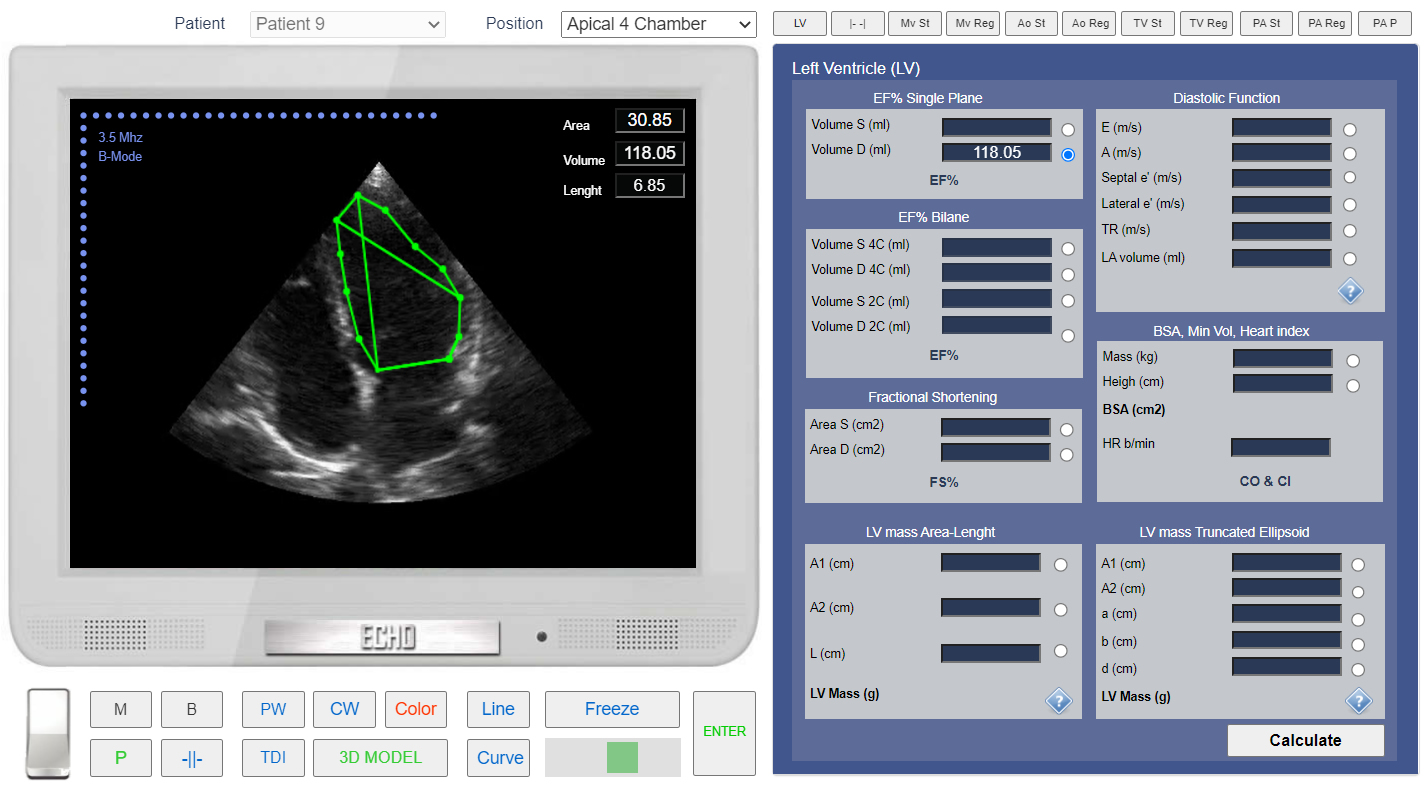 Click image to enlarge
EF% calculation. Single Plane Method. Measurement of the end-diastolic Volume.
Biplane Method:
PRACTICE IN THE SIMULATOR
- Choose 4 chamber position from the List <<Positions>> or find 4 chamber position with 3D Transducer
- Click the button <<Freeze>> to freeze image. Using Slider find LV End-Systolic frame.
- Click Button <<Calculations>> Click Tab <<LV>> Click Radio Button <<Volume S 4C (ml)>>.
- Measure LV Volume
- Click the button <<Enter>>
- Using Slider find LV End-Diastolic frame.
- In the Tab LV Click Radio Button <<Volume D 4C (ml)>>
- Click the button <<Enter>>
- Choose 2 chamber position from the List <<Positions>> or find 2 chamber position with 3D Transducer
- Click the button <<Freeze>>. to freeze image. Using Slider find LV End-Systolic frame.
- Click Button <<Calculations>> Click Tab <<LV>> Click Radio Button <<Volume S 2C (ml)>>
- Measure LV Volume
- Click the button <<Enter>>
- Using Slider find LV End-Diastolic frame
- In the Tab LV Click Radio Button <<Volume D 2C (ml)>>
- Click the button <<Enter>>