Color Mode
Learn how to open and use Color Mode in the online echocardiography simulator.
What about a little bit of theory before beginning?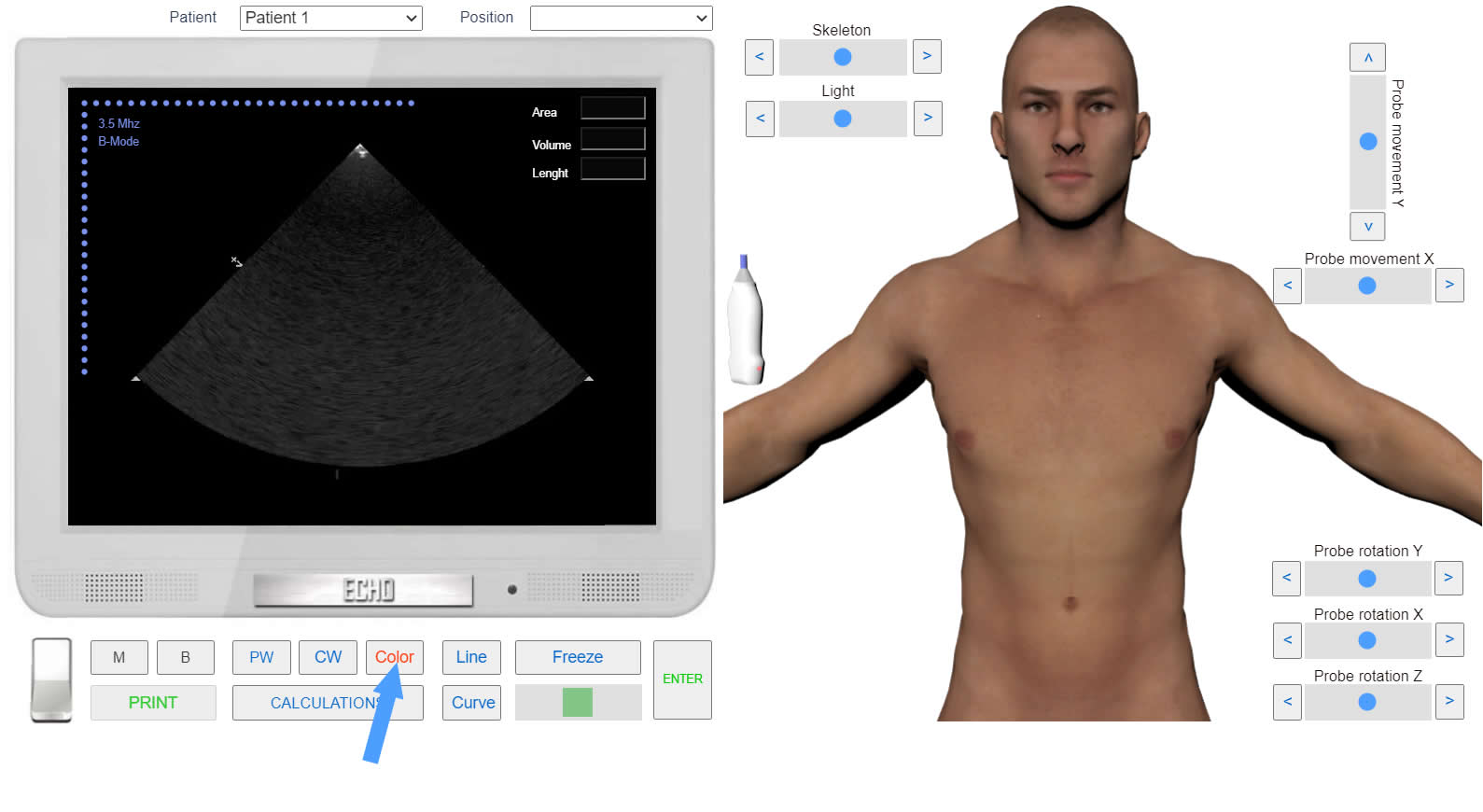 Click to enlarge
- Run the Echocardiography Online Simulator.
- Click the button <<B>> to go to two-dimensional echocardiography (B-Mode). Initially, the simulator is set to B-Mode.
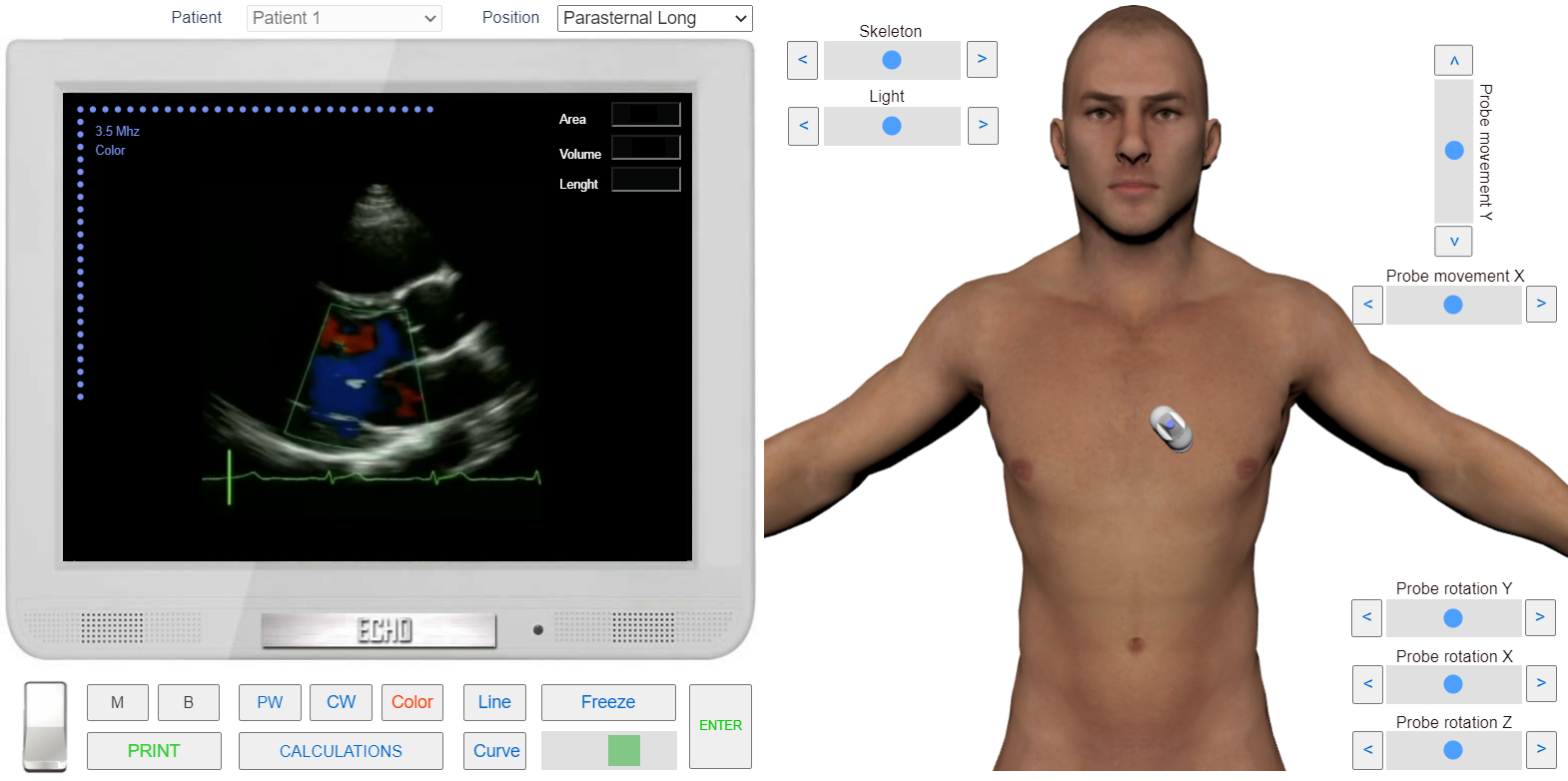
- Choose a 2D position from the <<Positions>> list or find the position with the 3D Transducer.
- Click the button <<Color>> to go to Color Mode.
 Click to enlarge