Apical 2 chamber view
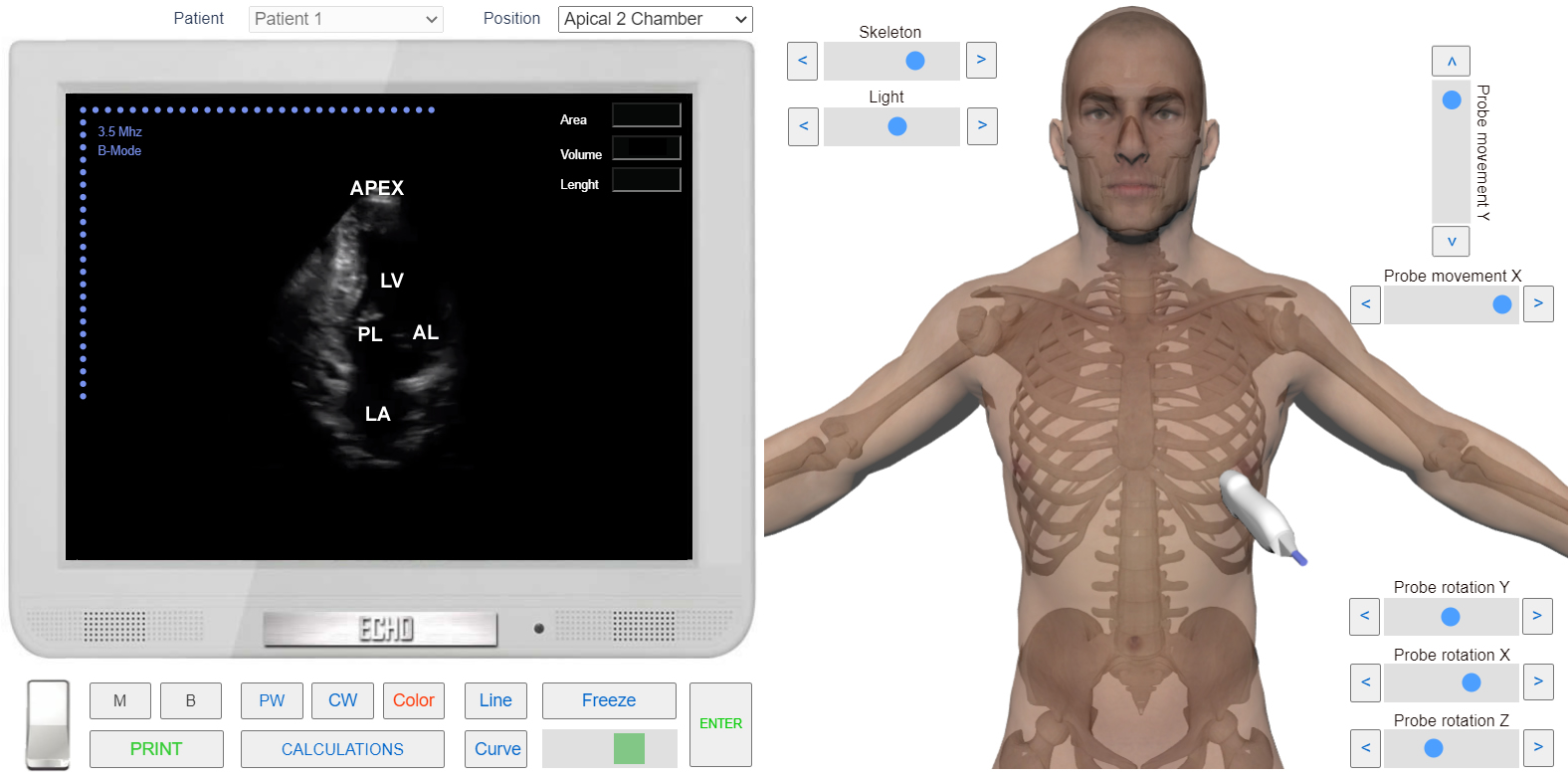
Apical 2 Chamber View is used to study the left parts of the heart - Left Atrium, Left Ventricle and Mitral Valve. This position is Orthogonal to apical 4 Chamber View
 Click image to enlarge
Apical 2 Chamber View is used to study the left parts of the heart - Left Atrium, Left Ventricle and Mitral Valve. This position is Orthogonal to apical 4 Chamber View
Click image to enlargePRACTICE IN THE SIMULATOR
To obtain this position First we have to find Apiucal 4 Chamber View. Then Rotate transducer Clockwise untill right parts of the heart disappear and only the left ones remain (See Operations on Transducer). Sometimes researcher have to tilt ultrasound beam slightly left.
VIDEO TUTORIAL
ANATOMY